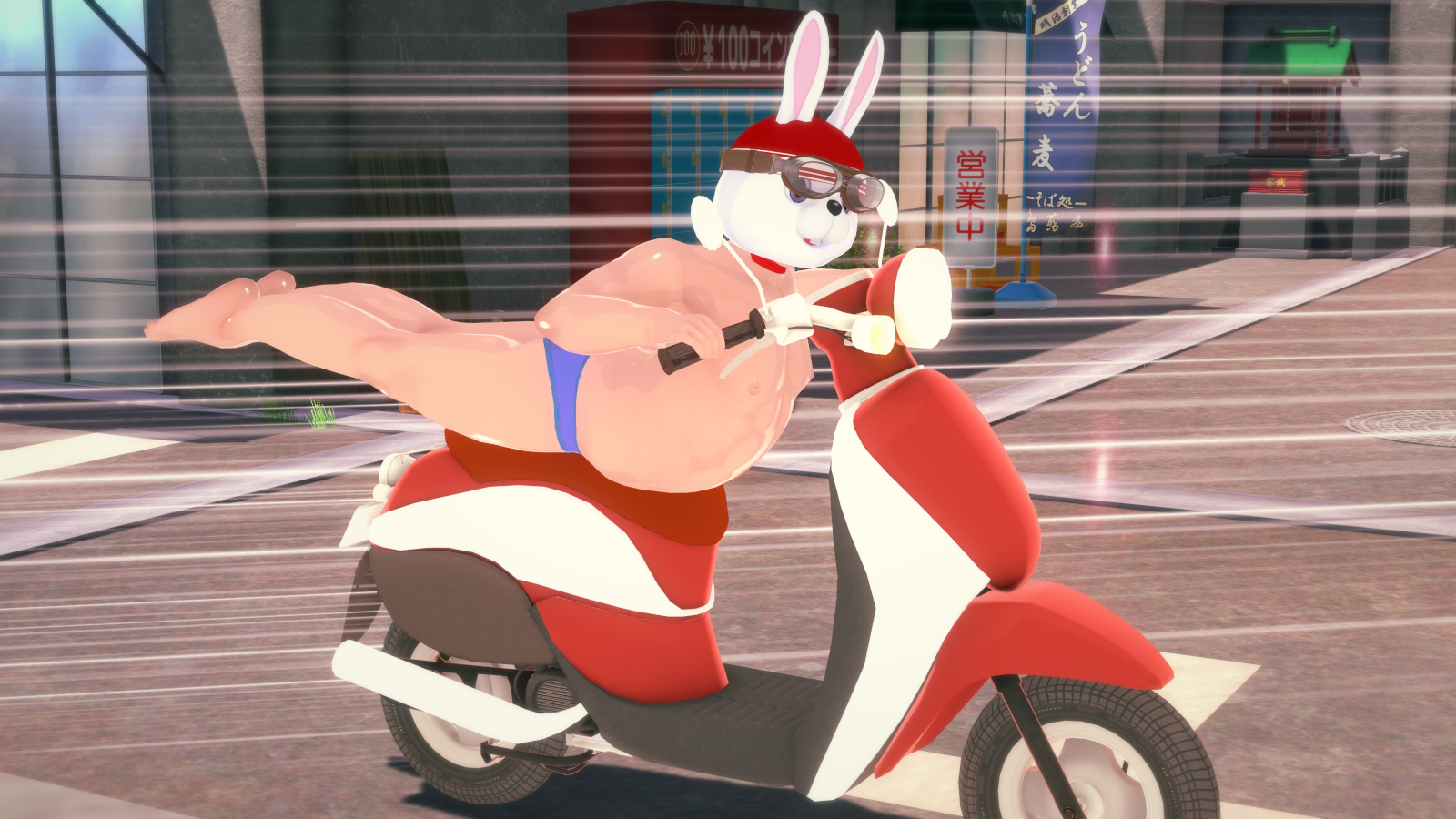
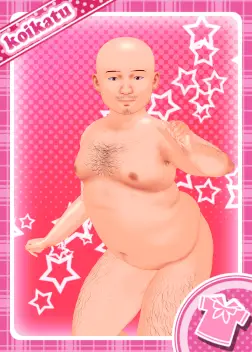
I always wanted to learn how to do something like this. Could you give a few pointers on how to achieve this?
I'm using AI translation because English is not my mother tongue. I hope this text is useful.
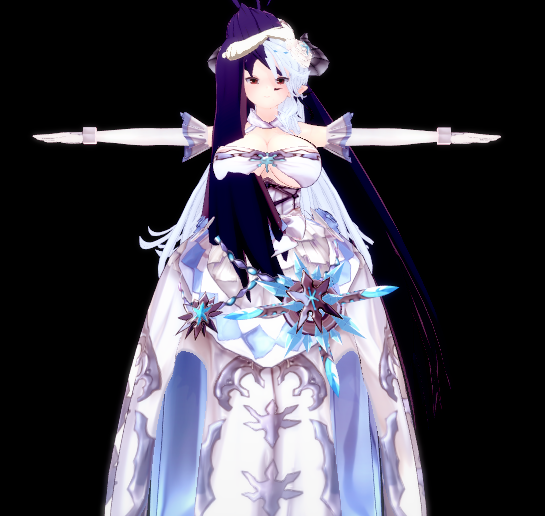
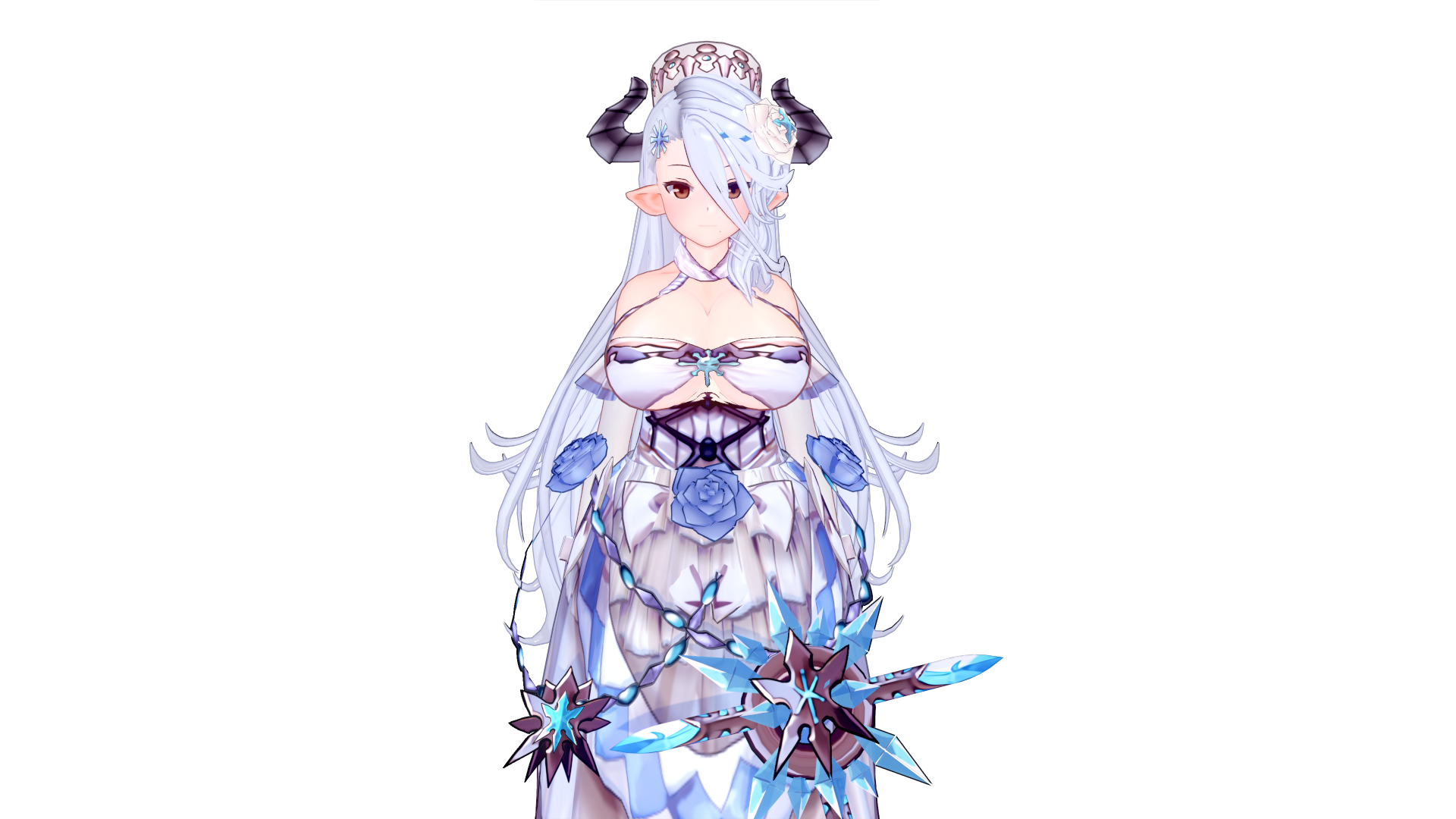
If you are referring to the issue of creating broken textures, this is how I did it:
I did not use 3D software. I used Photoshop's mask function to transfer the transparent areas from another image onto the image I needed to modify. During this process, I repeatedly loaded the modified texture into ME multiple times to ensure the content I added was in the exact position I wanted.
If you are asking about the settings for WTF and ACC, I probably won't be able to help much. I'm not very familiar with the WTF tool myself; if the accessory it creates looks acceptable, then use it, but if not, there's nothing much we can do. As for the ACC settings, it's simply a matter of logic.
However, this time I noticed that the color rendering of some shaders seems to be affected by the area of the image's transparent regions.
In fact, after loading the modified texture, I found that the clothing's color had become darker. I repeatedly compared the original texture with my modified one but couldn't see any difference between the two. I had to increase the brightness of my modified texture; after loading it, the resulting color rendering was essentially the same as the original texture.


 www.pixiv.net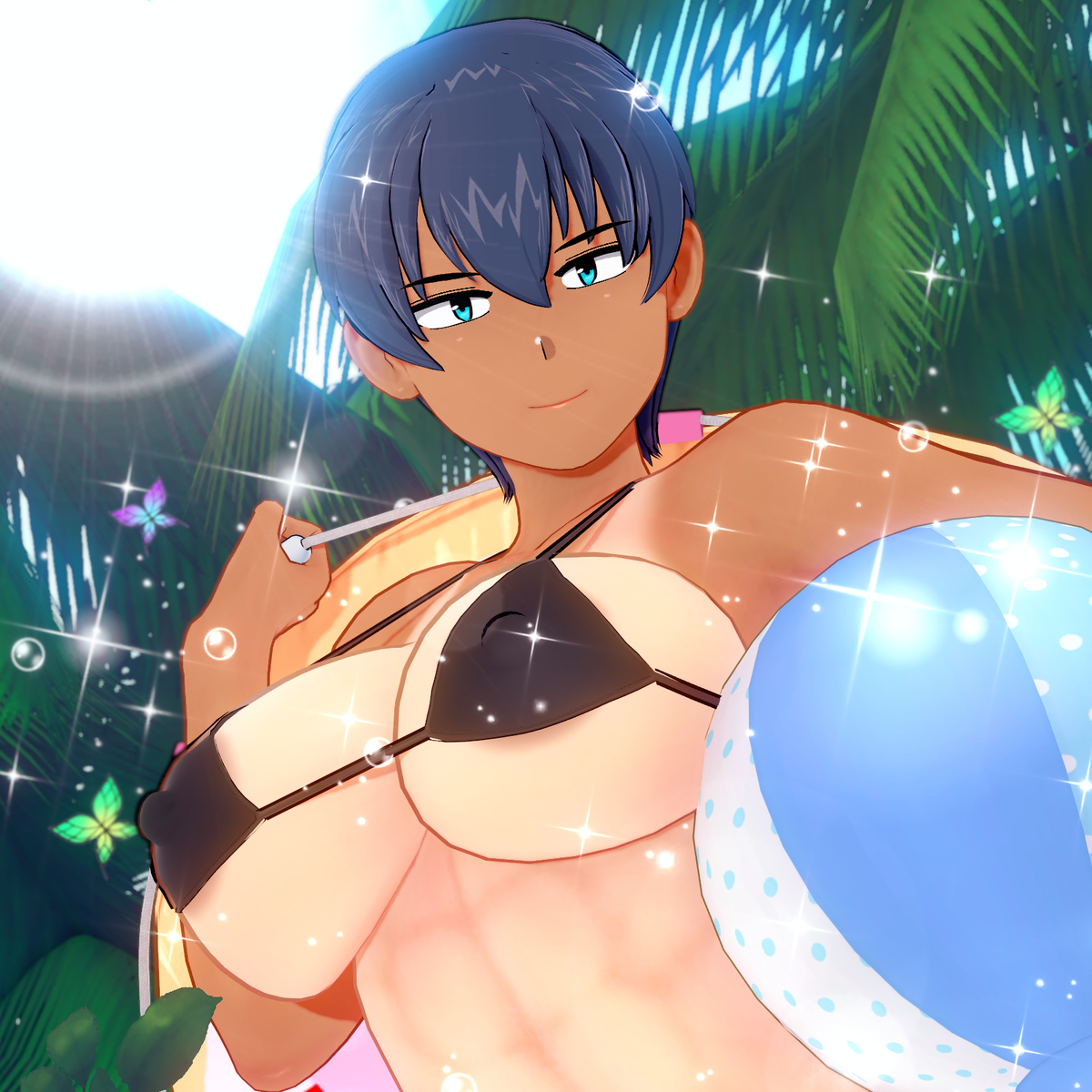

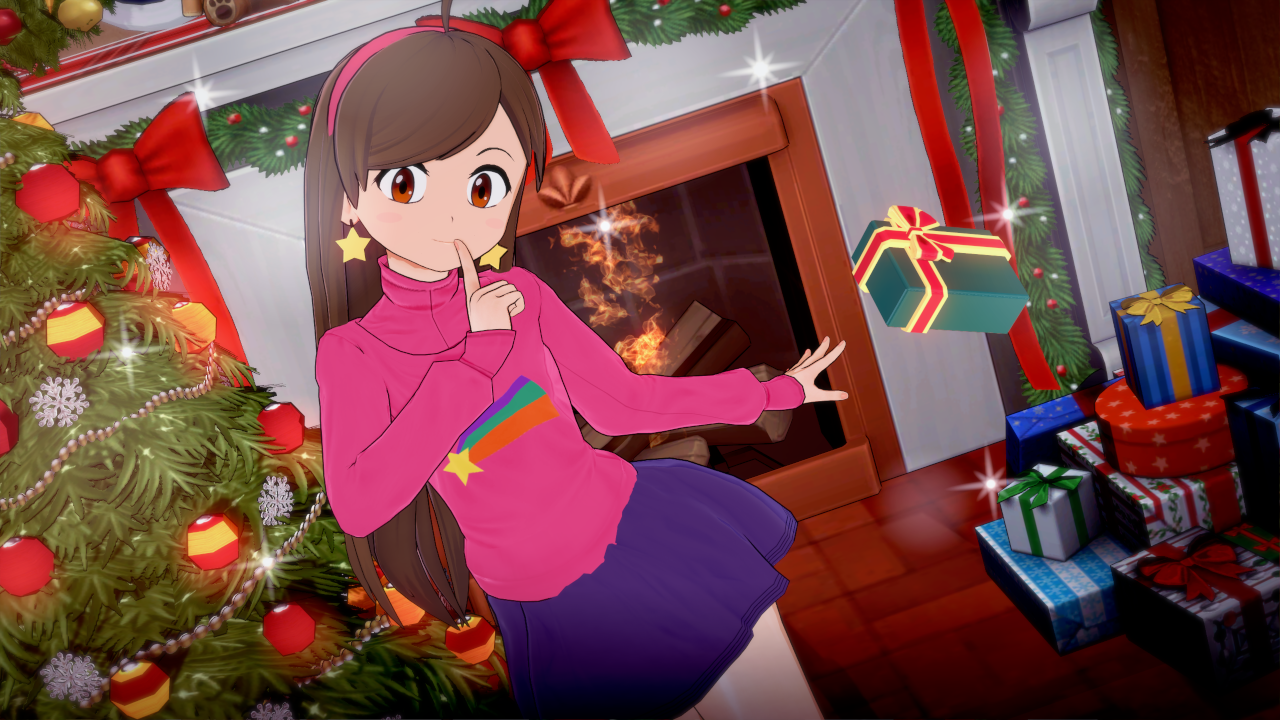



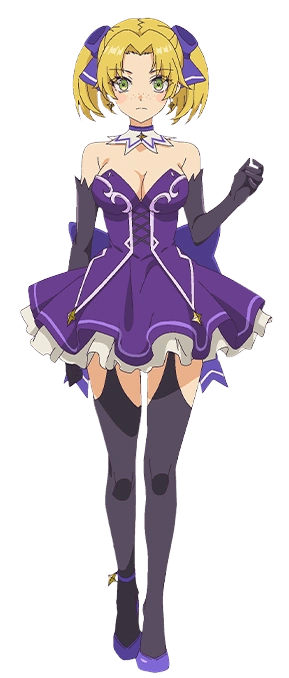


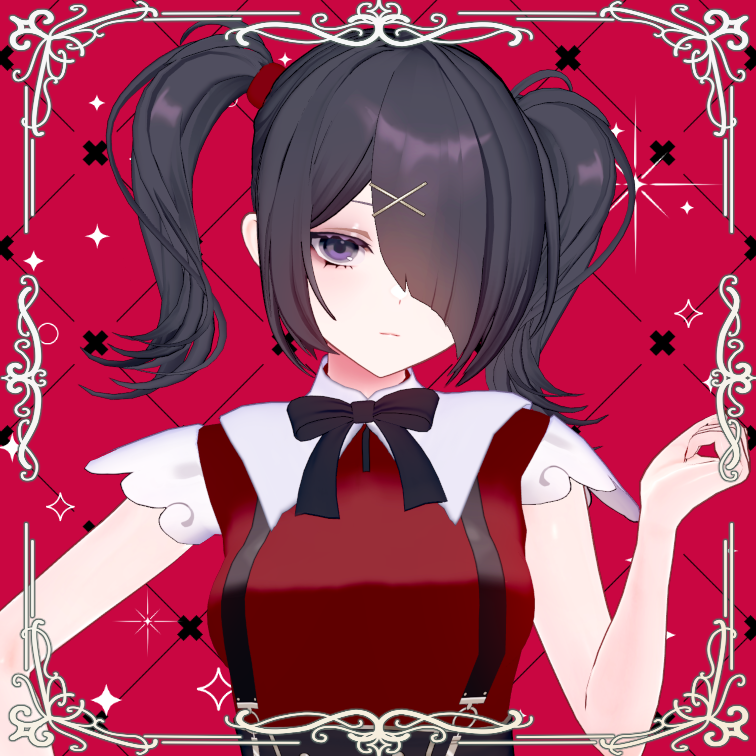











 still looking for it!