NeoNeg
Veteran Member
bumpdoes anyone have these mods?


bumpdoes anyone have these mods?


if you wanna win with these scummy what they called creators, you can pressure payment processor with these kind of scam plan creator. they will told patreon to change their policy if there is enough pressureIn the past, I read Patreon's rules and usage policies (because of the Unagi issue), and unfortunately, nothing prohibits them from creating these kinds of internal rules regarding their content and acquisition. What they don't mention, and what's really underhanded on Patreon's part, is their "sole purpose as a reliable intermediary." Their authority is conspicuously absent when it comes to injustices or abuses against the consumer. For example, if you pay for a month on Patreon and the patron blocks you just 2 or 5 minutes after you become a patron, there's no possibility of a refund or any way to prevent future blocks while your sub-support remains active. It's throwing money away if you know the person will acknowledge it.
Patreon reviews applications very slowly and only prioritizes them when it involves fraud or some problem that directly or indirectly harms them financially. Beyond that, we're practically nothing.
As the other guy said, the best thing to do is just walk right past and ignore those who genuinely want to be ignored.
People like Peter have no business being in this mess we call community.

The actual Reze is slender with no breasts, so if you prioritize accuracy, this is fine.Suou crashout again, giving a reze card for free...
so close on paying 20 bucks for it... i was hoping its gonna be some high tier super good card... i was wrong....
that body ain't worth 20 bucks
bumpDoes anyone have this guy's cards? I found some gofile links in the old posts, but they already dead. Thxs.


Guess it's fine to leak more without leaving any trace 😝
Free... card????
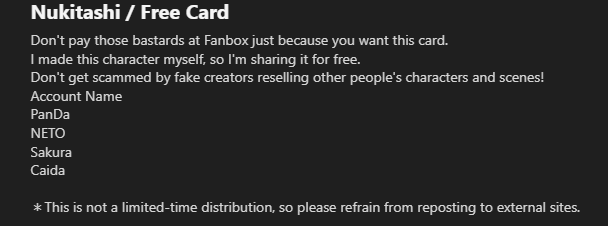
I mean I guess? XDDDDDDDDDD
Isn't fake check it yourself https://www.pixiv.net/en/artworks/139306275 XDDDD
(IS A JOKE PLEASE DON'T GET RAGEBAITED)
I think he meant the shader tweaking and overlay are basicThe actual Reze is slender with no breasts, so if you prioritize accuracy, this is fine.
He probably isn't like those creators who adjust to ridiculously extreme body types with unnecessary self-assertion.
If that's your preference, you can just adjust it yourself.
thank you very much
Thanks! deleting the selfshadowing plugin worked
Loading…
gofile.io
Scene mostly by me.
Hello, welcome, and you're welcome! Hope you have a happy new year and find whatever treasure you're sailing these seas for.

Few things can cause this, tbh...
- SofterSelfShadowing plugin
- If you have this, just full on delete it. It's a FPS hog.
- PostProcessingEffects plugin
- Press F1
- Search "Grain".
- If it's on, turn it off or adjust to your liking.
- Projector of some sort
- Look through your workspace or type "Projector" in the search bar. If there's something, toggle them off and on and just turn off the one causing this
- Jane has some sort of matcap or NormalMap with a ridiculous resolution
- Select Jane in the workspace.
- Press Mat Edit to open up material editor for Jane
- Type "body" in the search bar on the top left
- Scroll down and see if there are dark grey fields in all the texture stuff.
- If so, hit "reset" for NormalMap or MatCap (or both)
- You're running ReShade (a third-party shader injector program for 3D games) and somehow don't know it
- This is very unlikely, but if this is what's going on... I will laugh at you.
Big thank! Takane's a cute. Maybe I'm biased toward redheads.
Anyway, if you're on a Chromium browser, tough luck. Just mute the site. If you're on a Firefox-based browser, there's a setting to disable autoplay on websites; very useful on YouTube I've found.



Ah, I see.I think he meant the shader tweaking and overlay are basic
thank you so muchHere,
https://gofile.io/d/euHFDw
Might as well post the new Grafko card while I'm here.
https://gofile.io/d/dnZcJ4
【鸣潮】琳奈Lynae Headmod
感觉衣服这个月搓不完了,先把头模放出来(悲) 感谢SD作者 card+mod:https://mbd.pub/o/bread/YZWalZltZg== https://www.patreon.com/Graf_chinchinwww.pixiv.net


Can you make a torrent of those scene files in E-hentai? *Edited* Never mind, i thought those are scene cards. 🤣It seems like I ended up downloading a lost media...
Ive never figured it out said stuff as well as the author dissapeared from the net so... here they go.
The scenes might be incomplete but hey, better than nothing.
Buho 8492 (https://e-hentai.org/?f_search=buho+(278841)) (https://www.pixiv.net/en/users/278841) scenes:
Link: Buho 8492 scenes


dont tell me the one he deleted is Blonde Blazer card, someone in here gonna reach Pandemonium
*W H E E Z E* 🤣
(I got that screenshot from a friend.)
The actual Reze is slender with no breasts, so if you prioritize accuracy, this is fine.
He probably isn't like those creators who adjust to ridiculously extreme body types with unnecessary self-assertion.
If that's your preference, you can just adjust it yourself.
Yep, i mean shader tweaking and overlay, also, the face only accurate from the front, if you switch angle just a bit, its uh, well, lets just say its not worth money. 5 to 8 bucks maybe, but 20... i would expect its the most premium card. not, extreme body types, atleast better and not default body param with slight tweak.I think he meant the shader tweaking and overlay are basic

He deleted his Blonde Blazer card.dont tell me the one he deleted is Blonde Blazer card, someone in here gonna reach Pandemonium
yesSome hero had to have gotten the paassword. So it needs to be shared.

Dammnnn, what a way to end 2025. Suou cards and now Rio. Thanks buddy!Did you see that MogelatteRiO shared his old cards for 2022 (password : supermogelattez), 2023, and 2024? I wonder why.
www.pixiv.net Will you please share with me?Is Gue in private? Im thinking of sharing some SD, what do you think?

Hello, do you have some free time to re-upload this file? The link is broken. I would be very grateful if you could! 😭OK, I'll offer up a good card too. Let's all collect MazeSailor cards.
For now, here's Hinata's card.
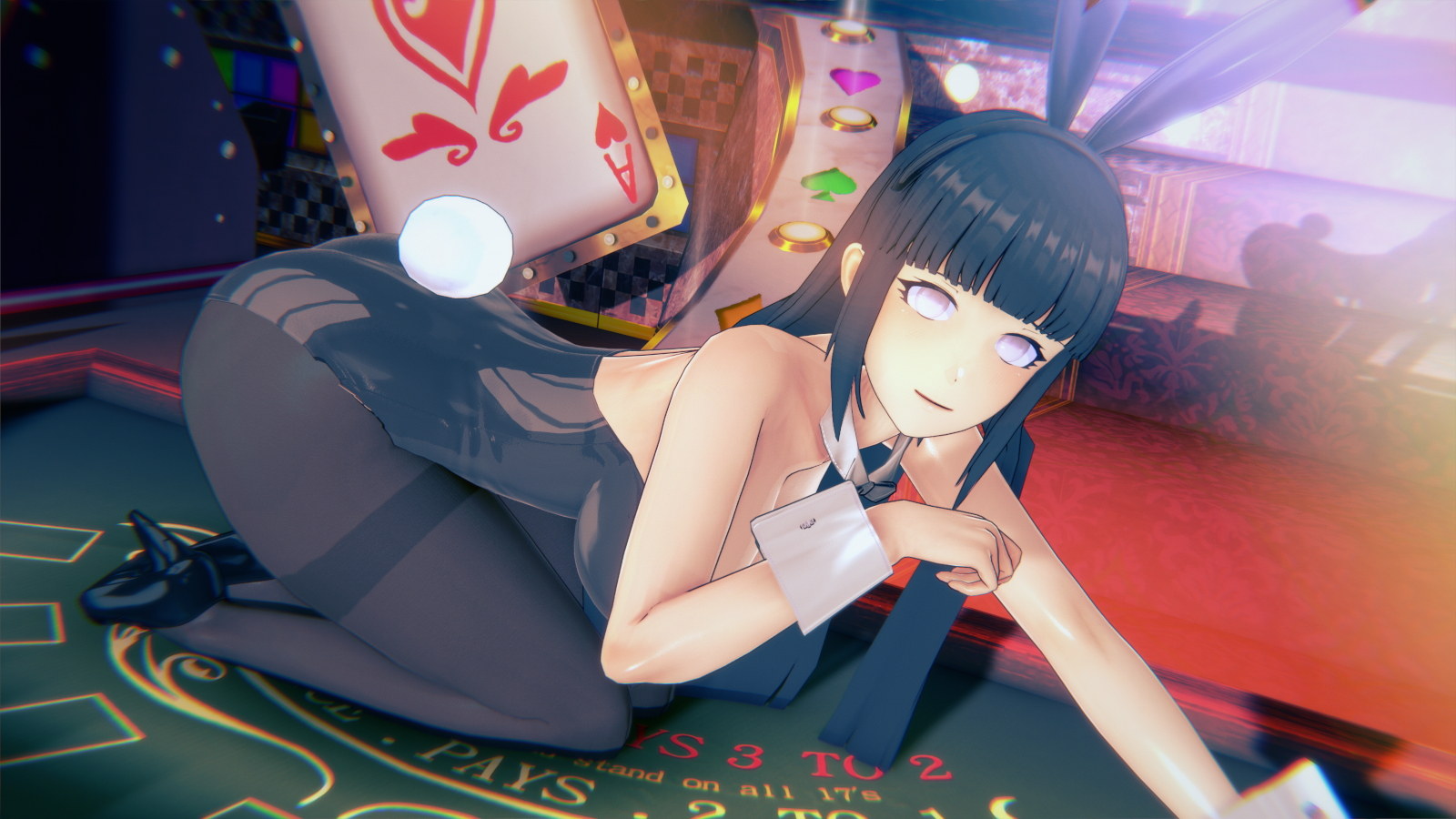
[R-18]Naruto - Hyuuga Hinata
Naruto Hyuuga Hinata (日向ヒナタ) CARD[https://www.patreon.com/MazeSailorXD/shop/naruto-hyuuga-hinata-1517420]
www.pixiv.net Bump still looking for natsumiDoes Anybody have POLPETTONE's Natsuki-chan and Natsumi cards

could you reupload that link, cheersI updated the DR.GM link with 3 missing cards I thought I deleted but found on a different drive. 2 from in'youchuu and the missing KamiKatsu one. Sorry about that.
https://gofile.io/d/7CILdg

Talking about cute, we're gonna need to find an Uma Musume creator who can be convinced of making the Granblue Fantasy horse zodiac general


Oh hey, it's another scene like this...And does anyone know why the problems of the bust have? Is it because the plugin is too old? I am using the koikatsu ver.
I hope someone can help me fix it so I can give everyone a New Year's gift.

You're better off downloading this much more complete archive of DR.GM shared by mimicozzz.(It has what you want and more.)could you reupload that link, cheers
www.pixiv.net www.pixiv.net