In the
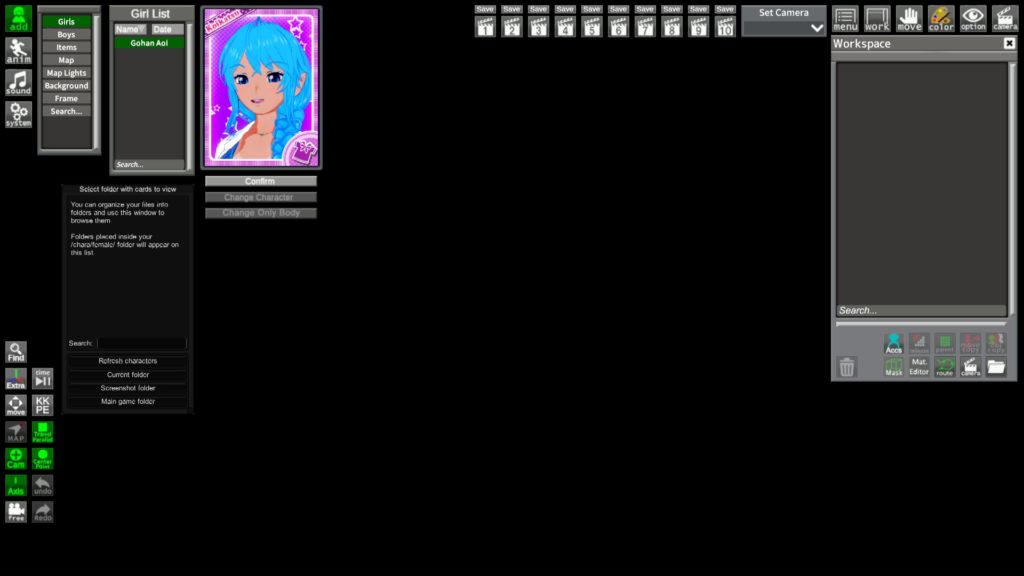
workspace, you'll see several options at the bottom of the window. Select the character in question, click on Mat. Editor, and you'll open the Material Editor window for that character. In the CharaStudio version, everything is compiled in the same window (head, clothing, hair, accessories, etc). It's worth noting that you can only modify the shaders and masks, not the accessories or clothing themselves.
For that, you'll need to use another plugin, "
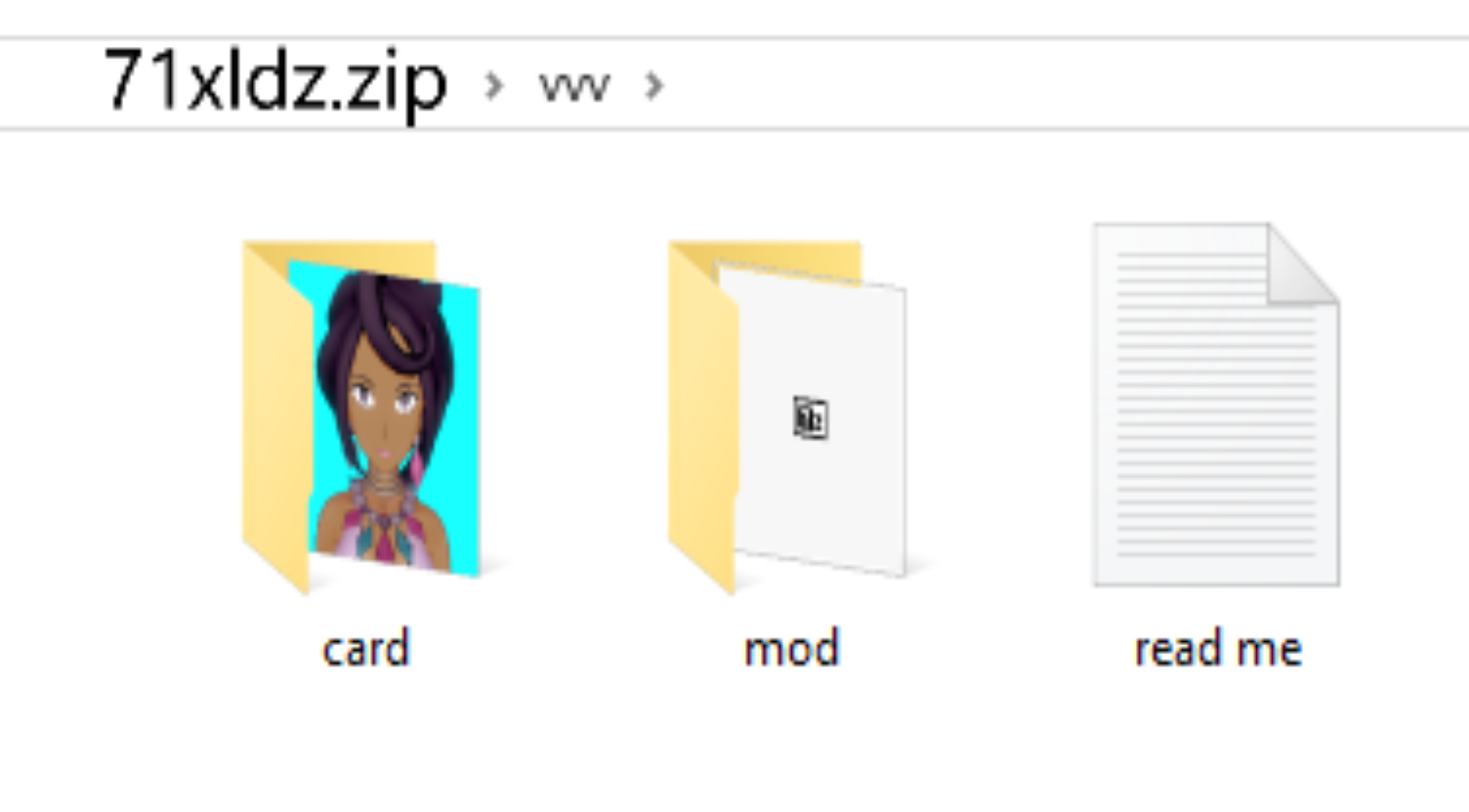
Studio Pseudo Maker" which is installed by pasting the .dll file into
(Koikatsu folder/BepInEx/plugins/<here>).
Credits and a bigs thanks to Rikki Ballboa for her great contribution to the community with her plugin.