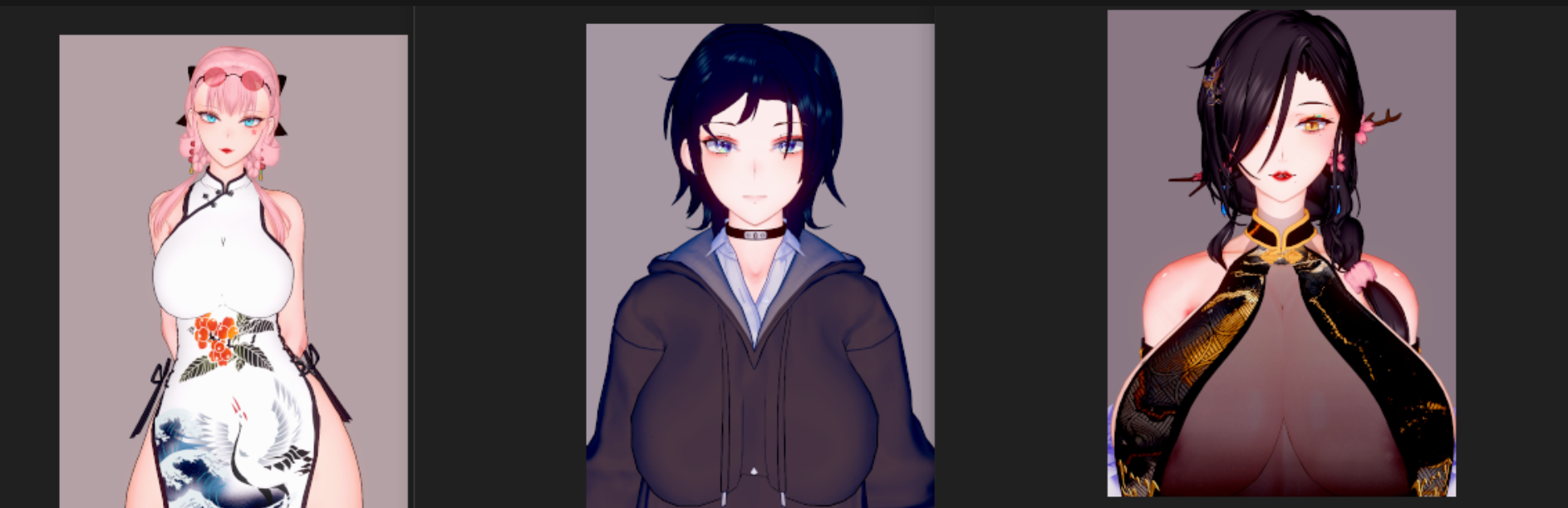
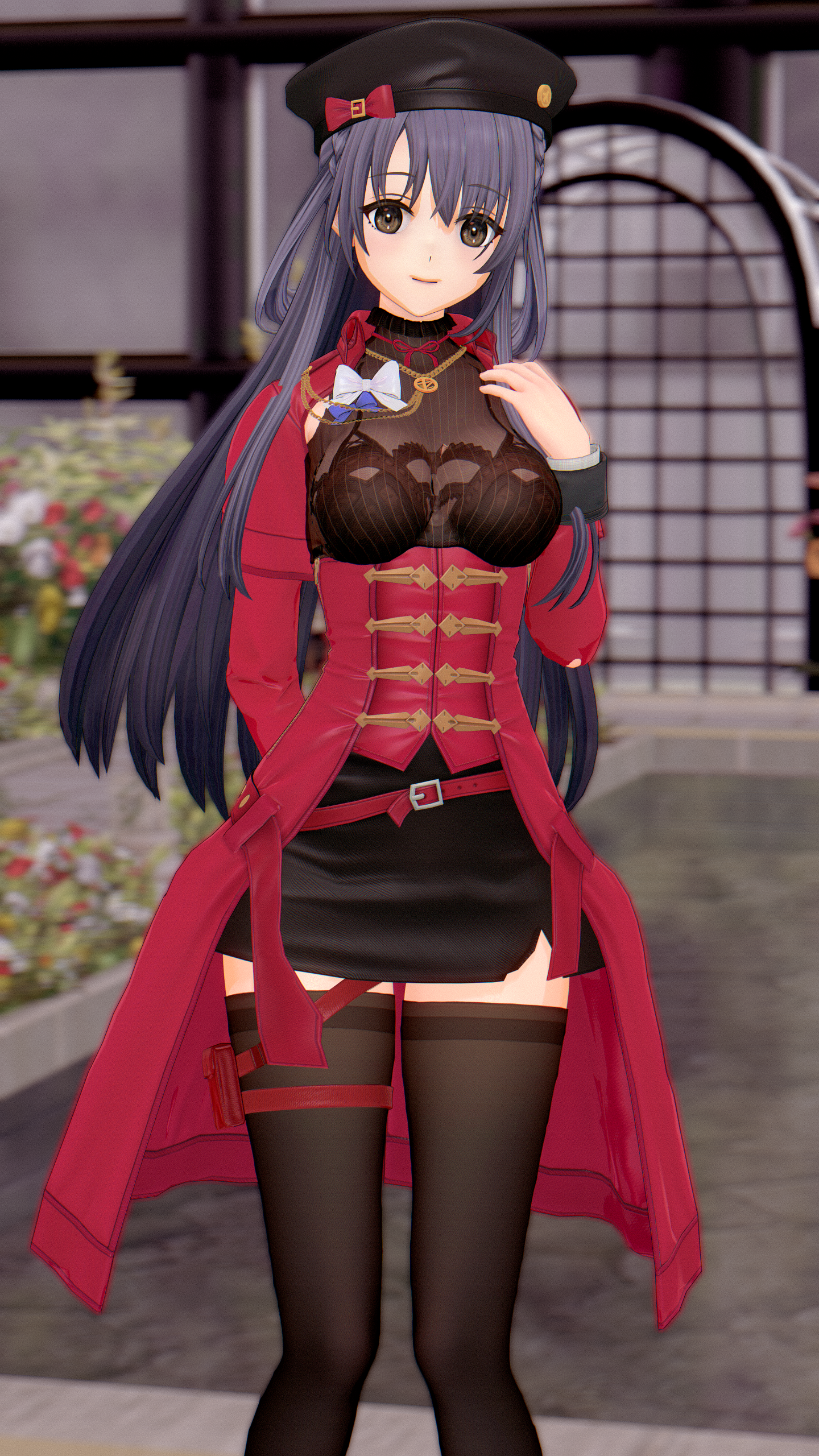
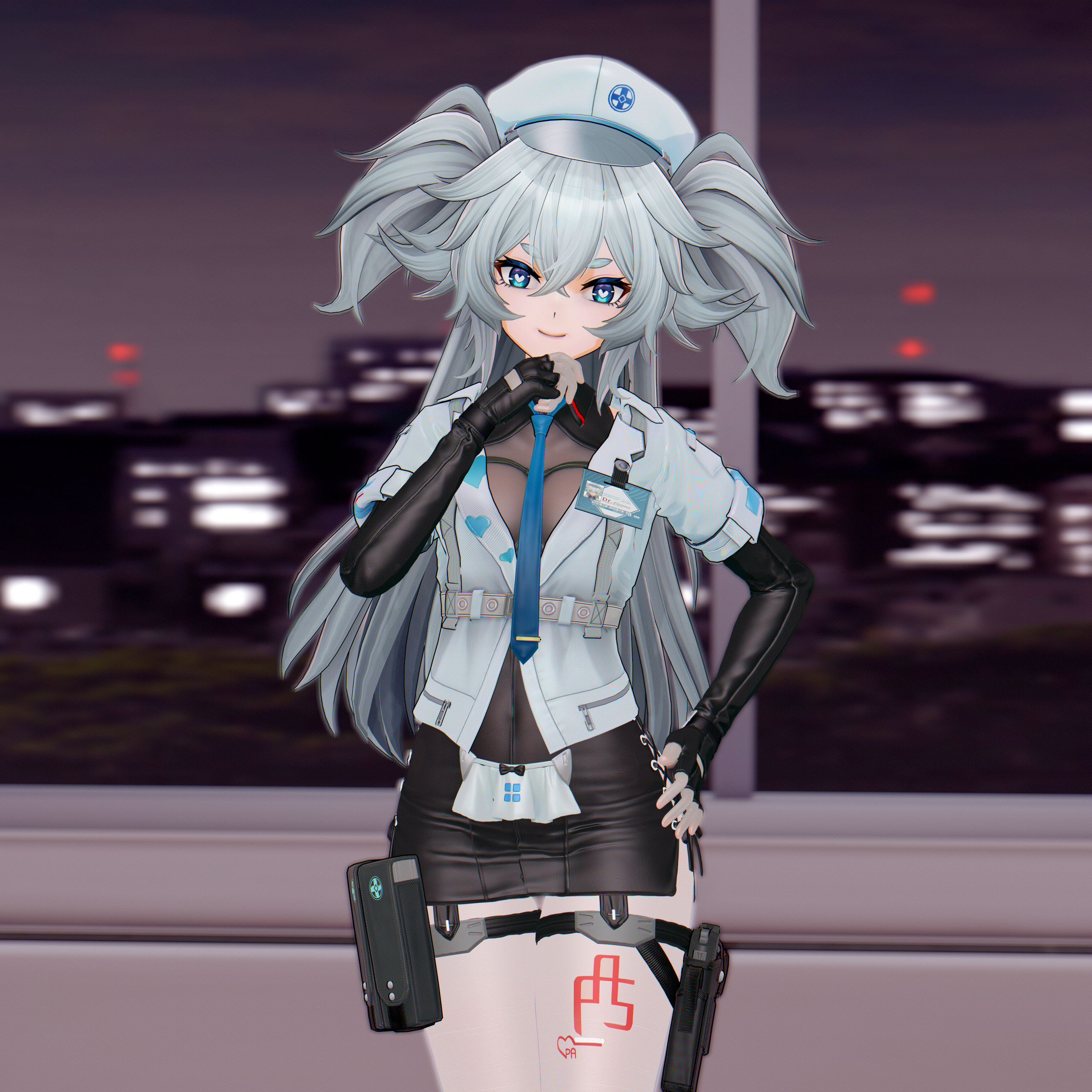
trpotat I am sorry if I am bothring you but could give me your workflow to make juedge card this perfect? does it requre any modding skills? or you just adjust them in game?
It's just mostly about adjusting it in game, but you do need a Blender software with the MMD plugin and a 3d model as a reference:
Koikatsu card sharing request thread. コイカツ koikatu!

kk.now.cc
Then when it comes to the textures I'm usually just taking those from the 3d models from GF2 or included in the mod and play around with the contrast, saturation and brightness, sometimes I change the colors a little bit as well.
In some cases I'm actually editing out the textures, but that's for hair only, so adding the highlight on the texture (Basti and Harpsy cards).
Basically I made the Suomi card first and spent a lot of time trying to adjust the body proportions through the normal slider, then the bonemod editor, but it's still not perfect and I will probably be improving that soon, when editing out the Florence card I just simply copied all the body bonemod values then the normal body slider values from the Suomi card, after that I loaded the 3d model from GF2 into the studio and tried to make the KK card match that mod by playing with the IK stuff.
Then when I noticed any differences or any areas that can be improved I just ALT+TABbed to the Character Editor, adjusted some sliders, loaded the model again in the Studio and like that until it pretty much fits the 3D model from GF2.
In case of getting the colors right, actually the first few cards that I posted are kind of messed up since I was still kind of rusty at this stuff. So in case of Florence this time I just used this image as a reference instead of loading the game itself:
https://iopwiki.com/wiki/File:Florence_(GFL2)_S.png GF2 uses lots of filters and in some areas or menus there's also some contrast related filter applied as well, then in the rest of them it's mostly some kind of green filter, idk, working with that is far for perfect.
The image from the wiki link seems to have the base colors only without any filters, though I didn't go for 1:1 copy of that since I thought that it wouldn't look that good, so the Florence's hair texture is a little bit more blue than should be, but still much less than it was before editing it out.
I'll probably update the Suomi and Papasha cards again soon to match those images from this wiki (already made some adjustments to the hair textures + painted the highlight effect on the Papasha texture
https://pixvid.org/images/2026/02/14/WRdKQ.png).
Then there's the matter of the body texture, I use one of the paid normal maps and a texture that creates a skin effect similar to the one from GF2, but it's far from perfect in KK and I really recommend using the KKUTS shader for the face and body textures, but try to not mess up the shading options, I noticed that people love to go for that realistic 3d look and it ends up looking "metalic", which from my point of view looks like shit, I prefer to go for something more basic (similar to "Animated3" mixed with "Hybrid 1 or 2" shading from the KK).
Happy Valentine's day
感谢SD 卡片链接/Card https://www.pixiv.net/artworks/131304583 孩子们,黑爪首领也是断手了,致敬传奇上单选手姜程璐 衣服链接/Cloth link https://mega.nz/folder/ZFw3hboB#ylzbHpnH8t

www.pixiv.net
Thanks for letting me know, I'll probably add it soon to my edited out card, but it's not high priority for me right now.
I checked the mod in the game it's actually not a hot mess like the ones mode by Juedge, but the texture shader selection (or the way how it's adjusted/configured) is highly questionable from my point of view, so that will require some work.