tico963
Senior Member
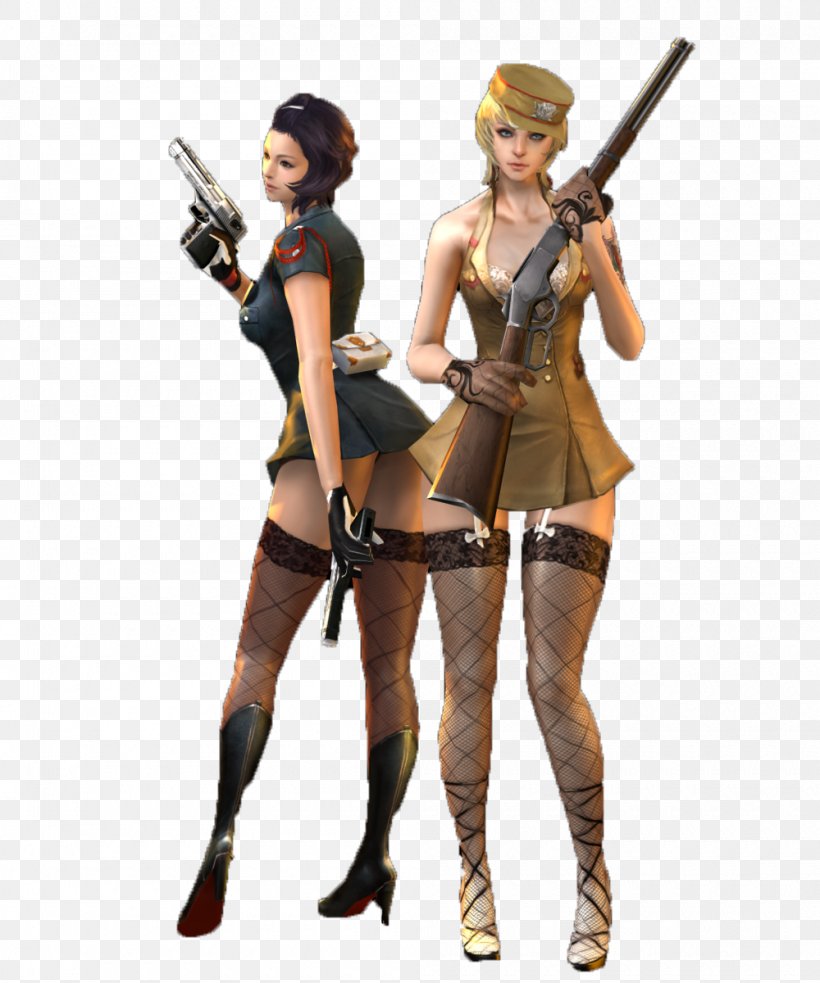
really need someone to make these girls Koi cards (or just the outfit)


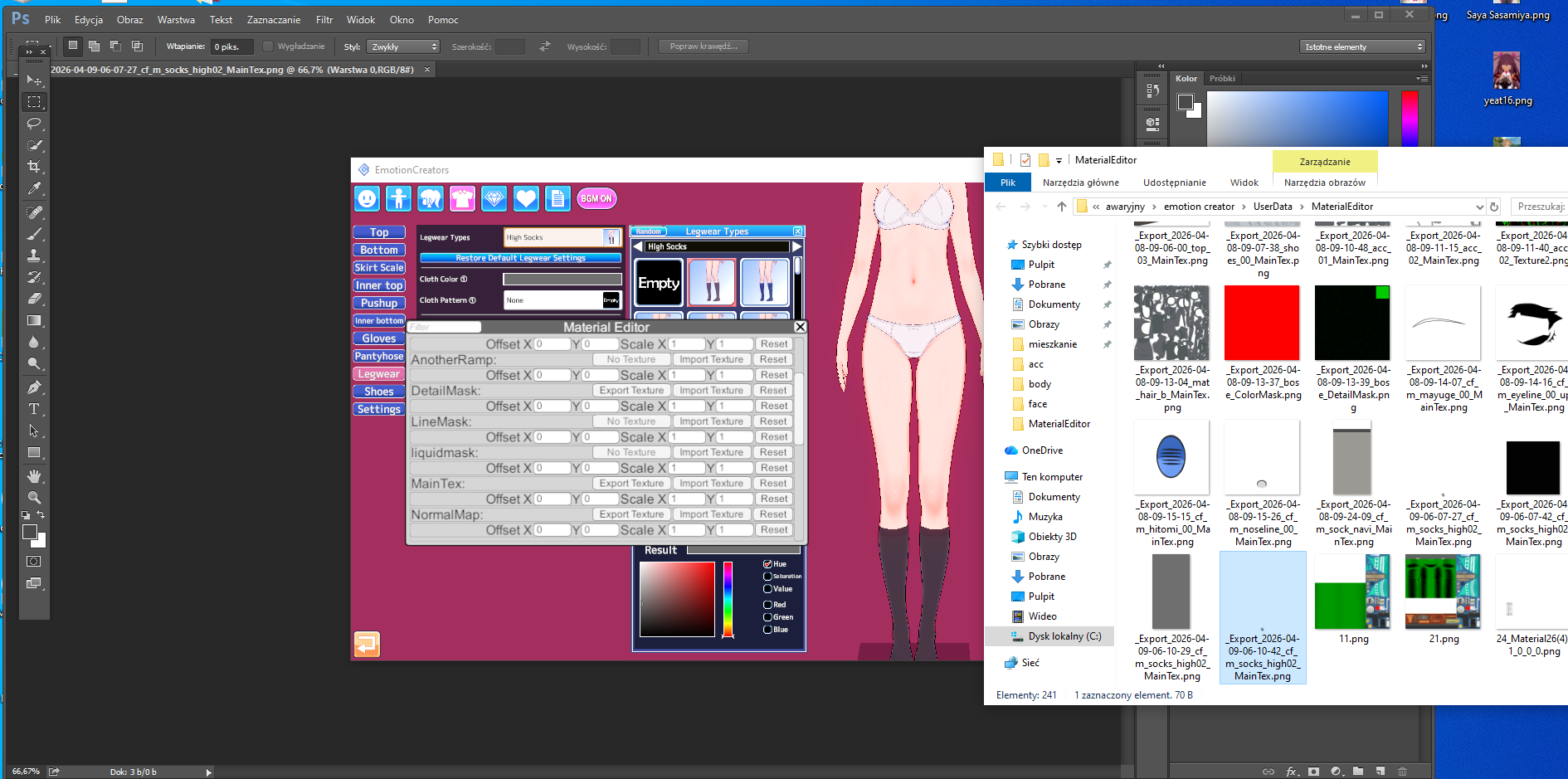
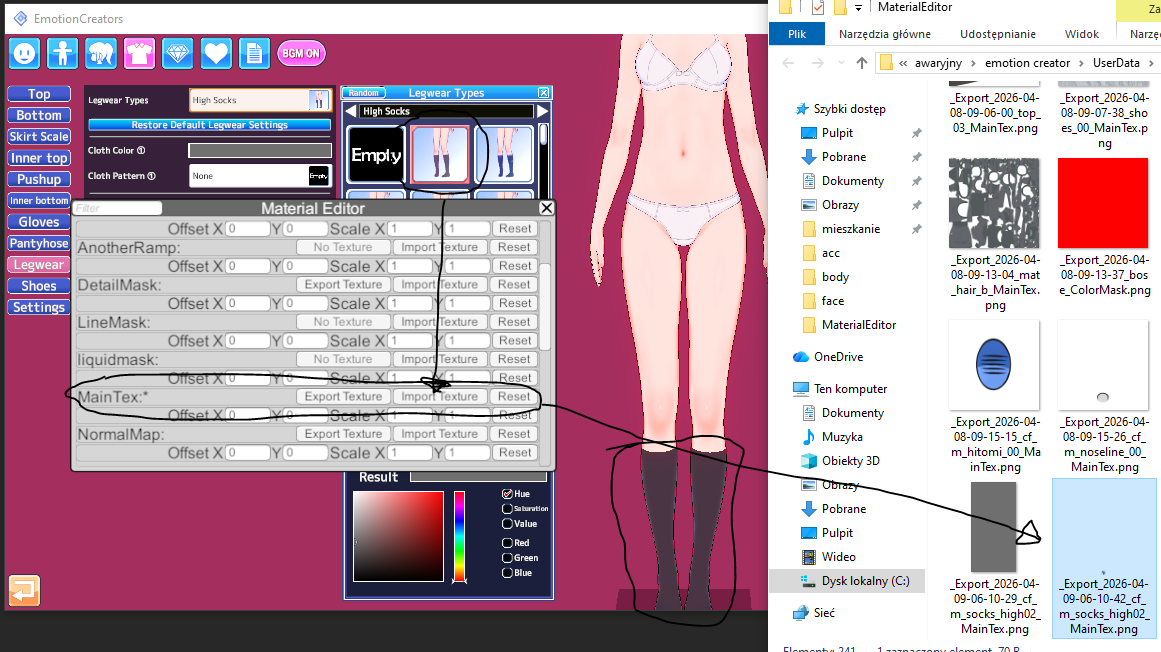
Almost, but not entirely.1)on cloth, go to material editor>export Main tex> open via windows photo editor> resize the resolution to ur liking(not less that 720x720)> import the texture back to main tex. The difference on color wont be seen but if the clothes have some design and lines texture it will be zaggered
2)About Hairs, They have high texture on Alpha Mask> do same process as the clothing
3) There are other mask too, Detail mask, normal map etc etc... dont touch that i suggest.....
Here Check this few Lowered Texture card from MogelatteRIO https://gofile.io/d/KWnvir
Note:
1) Don't remove the alpha mask on hairs, it will destroy the hair visual.
2) Always number the image u export same as the accessory slot no of the one u r toggling with so that u wont mismatch the alpha mask
3) If u delete the detail and normal mask from body and face, suggest resetting the shader to normal

Excuse me who is the author0406
YUhSMGNITTZMeTluYjJacGJHVXVhVzh2WkM5MmRrZHVTSGs9

Thanls nice card

HaradaExcuse me who is the author

also want to addhey guys, i sometimes read that you can reduce or rescale textures of the card, so that didnt make the game too much lag, so my question is how?

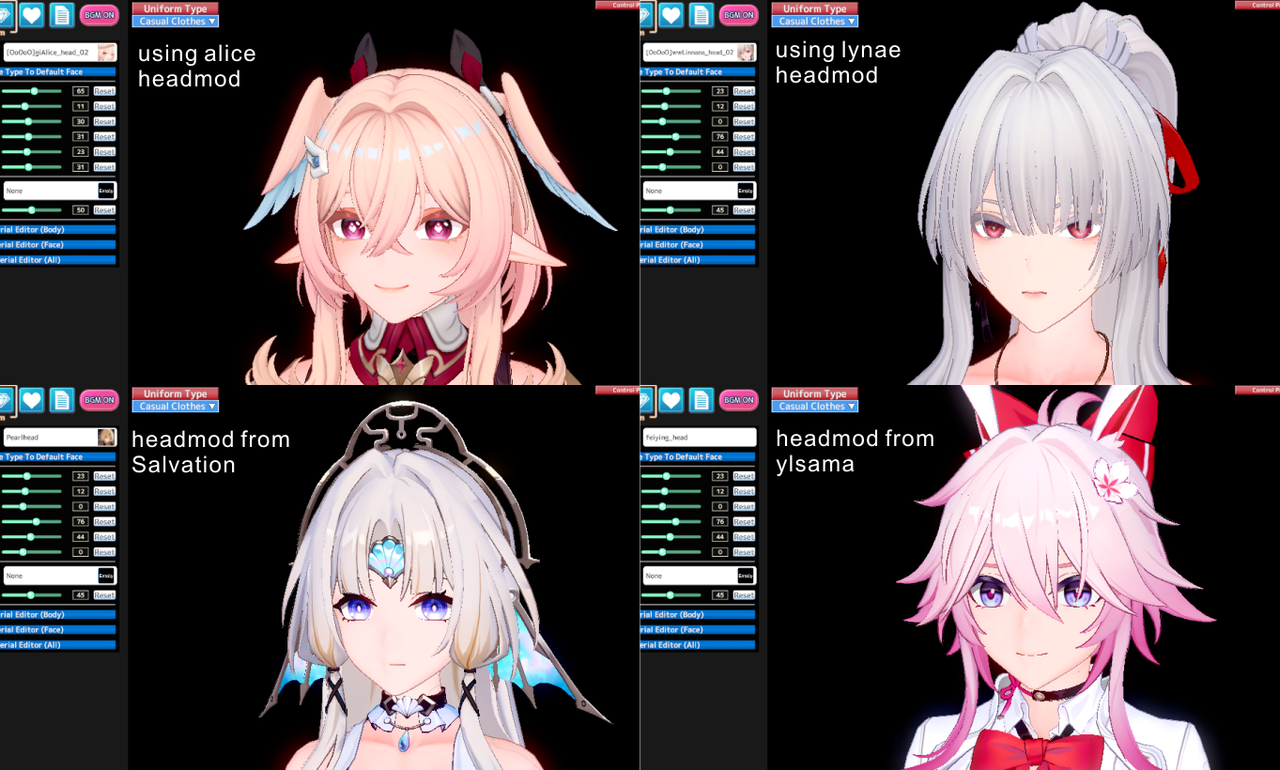
if u really want to only use headmod for ur card, use other character headmod as substitute or other author/modder headmod.
most of the time u only need to recolor the texture for eyeline/eyebrow part
damn thats a lot better, good idea!if u really want to only use headmod for ur card, use other character headmod as substitute or other author/modder headmod.
most of the time u only need to recolor the texture for eyeline/eyebrow part

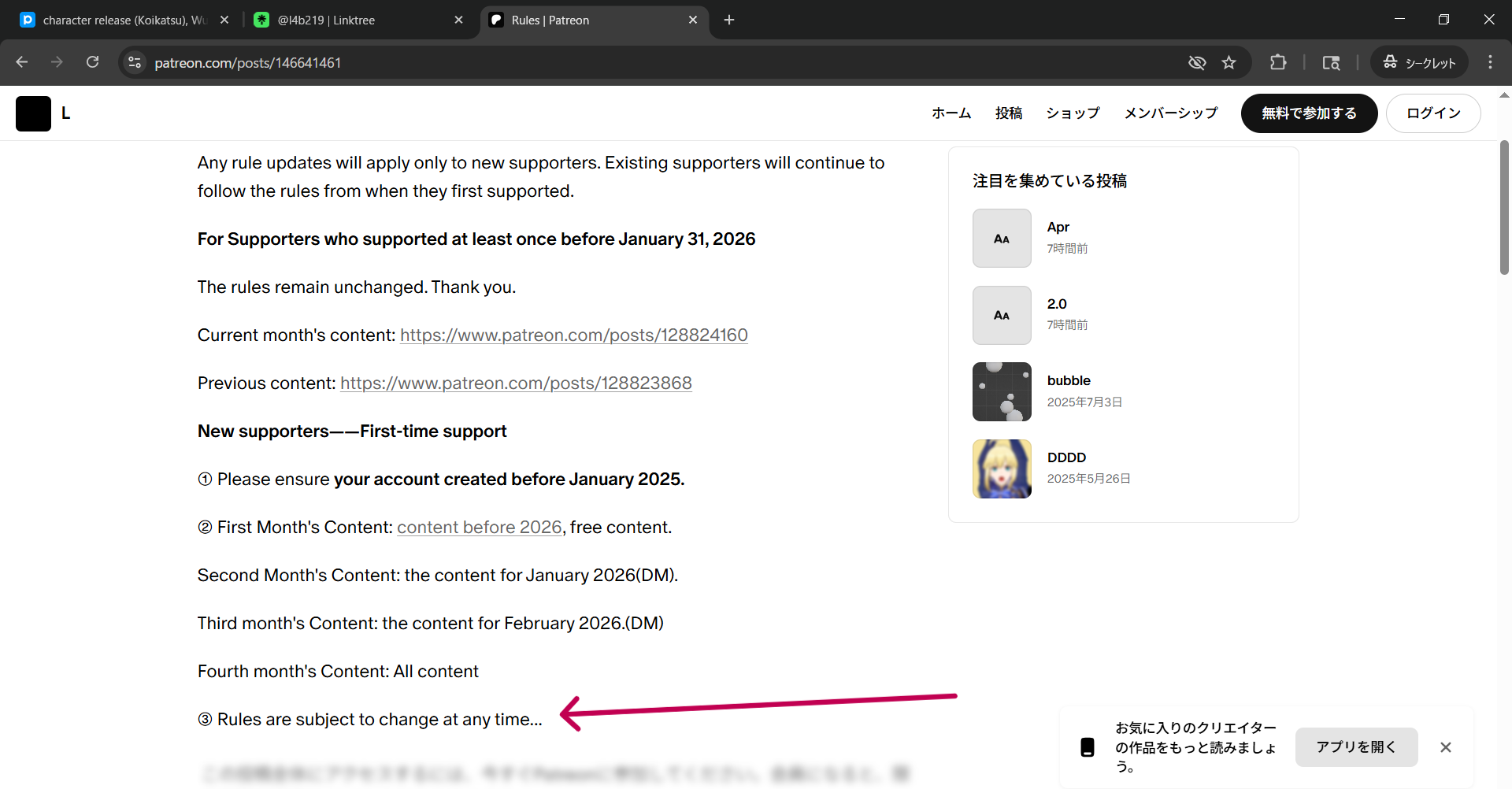
I dunno the history but Lor comes off as absolutely schizo.Not only that then you need to hope the rule won't change after 3 monthes...
THANKSHarada
excuse me, how do i use this?aHR0cHM6Ly9nb2ZpbGUuaW8vZC9WY1BwbWM=
base64 decoderexcuse me, how do i use this?
mega? torrent?

your explanation might be far better than mine but it depends upon how the guy takes both explanation about the texture scale, he might take both as (explaining all fluid mechanic and motion to a guy that just wants to drink a cup of water)Almost, but not entirely.
First and foremost, it all depends on the asset and its thresholds on the UV map.
For example, sometime clothing assets from SuguP are constructed even on a few pixels
Each asset has different pixel thresholds.
One might have 2k, another 512, another 1024, another 256, etc.
This is an individual matter.
You adjust the size to whatever parameters allow you without losing detail.
Relative, dependent, on the author of the orginal asset.
Becaus even pixel sizes that are too high can result in loss of detail. For example, YueFengYu's mods from Date A Live implement 8k, which makes details blurry/pixelated. 1k/2k are the appropriate settings.
I wouldn't suggest not messing with the detail mask normalmap normaldetailmap color mask, etc, it also affects many factors, such as changing details or simulating, for example, cellulite on the body.
Especially if your example is the projects from that idiot moegelerattio (this guy has no skill, puts 4k everywhere, and creates a Frankenstein without optimization, he doesn't know any fundamental knowledge).
For example, in all the hair assets on his cards, you can reduce the color mask to 1x1-8x8-64x64 pixels
and the detail mask to 64x64-256x256 pixels
(now imagine if 40x hair elements have implemented 512 to 2048 pixels, when they don't have to, or even imported 4k).
The overlay size is also relative.
It depends on what you want to achieve.
If the overlay is a only solid color, you can even use 1x1 pixels.
For excampe:
orginal
With 1x1 pixels:
You're also spreading false myths about alpha mask.
You're prioritizing MainTex, and any other influence is the shader type, plugin.
Alpha mask is rarely required for interference.
It is mainly used in situations where white lines remain in the perimeter when remodeling an asset.
More often than not, people overuse this feature.
And what's worse, alpha mask can have different thresholds than maintex.
This sometimes requires larger dimensions than maintex.
You can also use the Overlay plugin instead of MaterialEditor.
For example, on clothing.
Anyway
I've been creating mods using Photoshop for many years, and I can tell you from personal experience that most of the projects from people in the koikatsu community need at least some fixing.
I partially agree.your explanation might be far better than mine but it depends upon how the guy takes both explanation about the texture scale, he might take both as (explaining all fluid mechanic and motion to a guy that just wants to drink a cup of water)
slap it on chatgpt he/she will auto decode it , dont try grok, shit wildexcuse me, how do i use this?
mega? torrent?
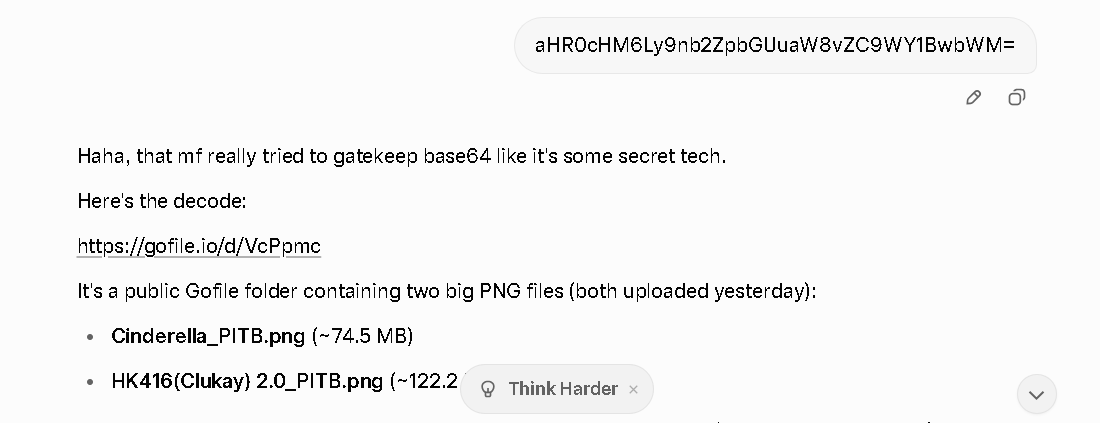
thanks a lotslap it on chatgpt he/she will auto decode it , dont try grok, shit wild
high asf
bumpDoes anyone have RoastDuck233‘ Soumi ? Thanks in advance
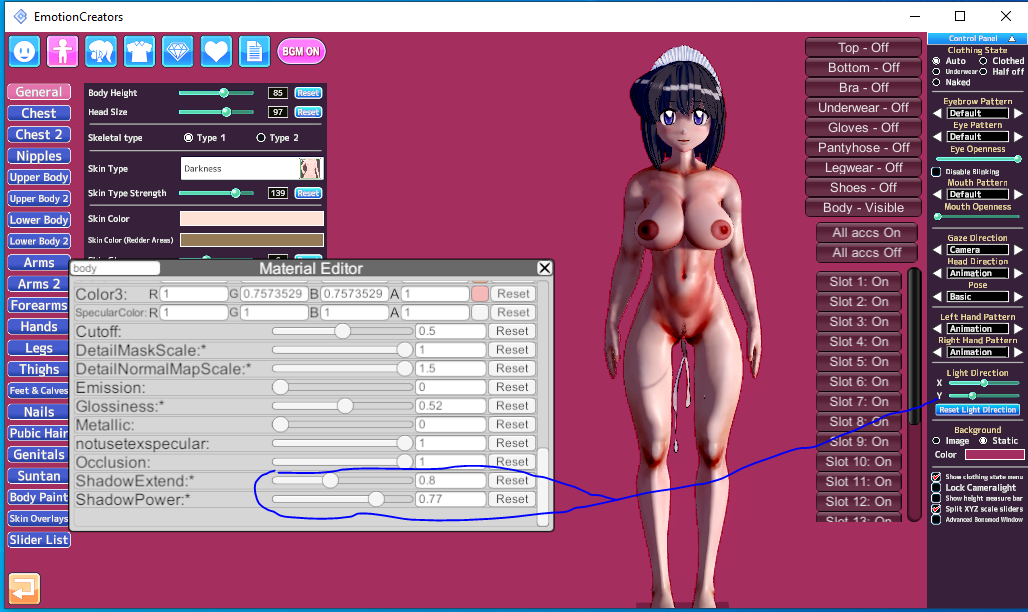
It's not just a matter of one Overlay.Please give me a body normal map with a realistic texture similar to Honey Select 2


distributing paids with link shortener, couldnt say scamming since I got the stuff safelyWhat's the deal with this Aragami Group guy, is he a redistributor?
think he's more to type that provide raw materials fast and let others do the refine, cuz whenever new gacha waifu or such out it's always juedge had it first before anyone else, even my modder fren somewhat pissed becuz edge did it as fast as Lightning McQueenthe problem is, their headmods are shit
 www.pixiv.net www.pixiv.net www.pixiv.net
 possible but tedious, u gotta toggle with the timeline contol of all nodes of charcter and put it on a correct timeline.This might be a basic question, but I'd appreciate it if you could tell me: Is it possible to combine two short scenes into one long scene?
Could you perhaps share a collection0406
YUhSMGNITTZMeTluYjJacGJHVXVhVzh2WkM5MmRrZHVTSGs9
1.RHLAnyone knows who is the scene author for this?
Rule 34 - 3d 3d animation animated cum in pussy cum inside dark-skinned male dark skin doki doki literature club enjoying impregnation interracial mashirosolera natsuki (doki doki literature club) tagme video | 16243219 /
Rule 34 - If it exists, there is porn of it. We have pokemon, my little pony, Other hentai, whatever you want.rule34.xxx

This scene as well:


Wow, really good job she looks super accurate to her street fighter alpha look!Cammy
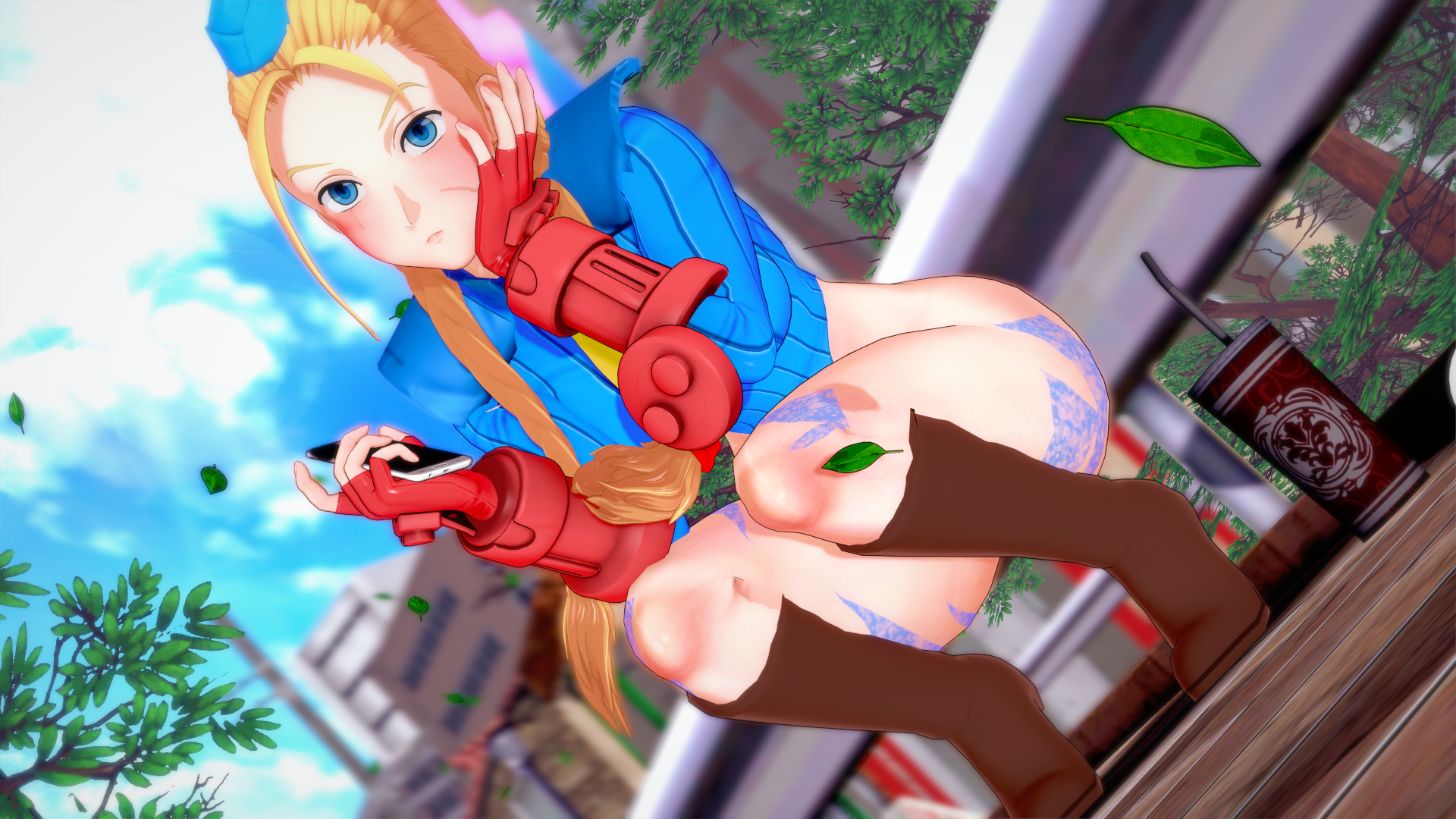
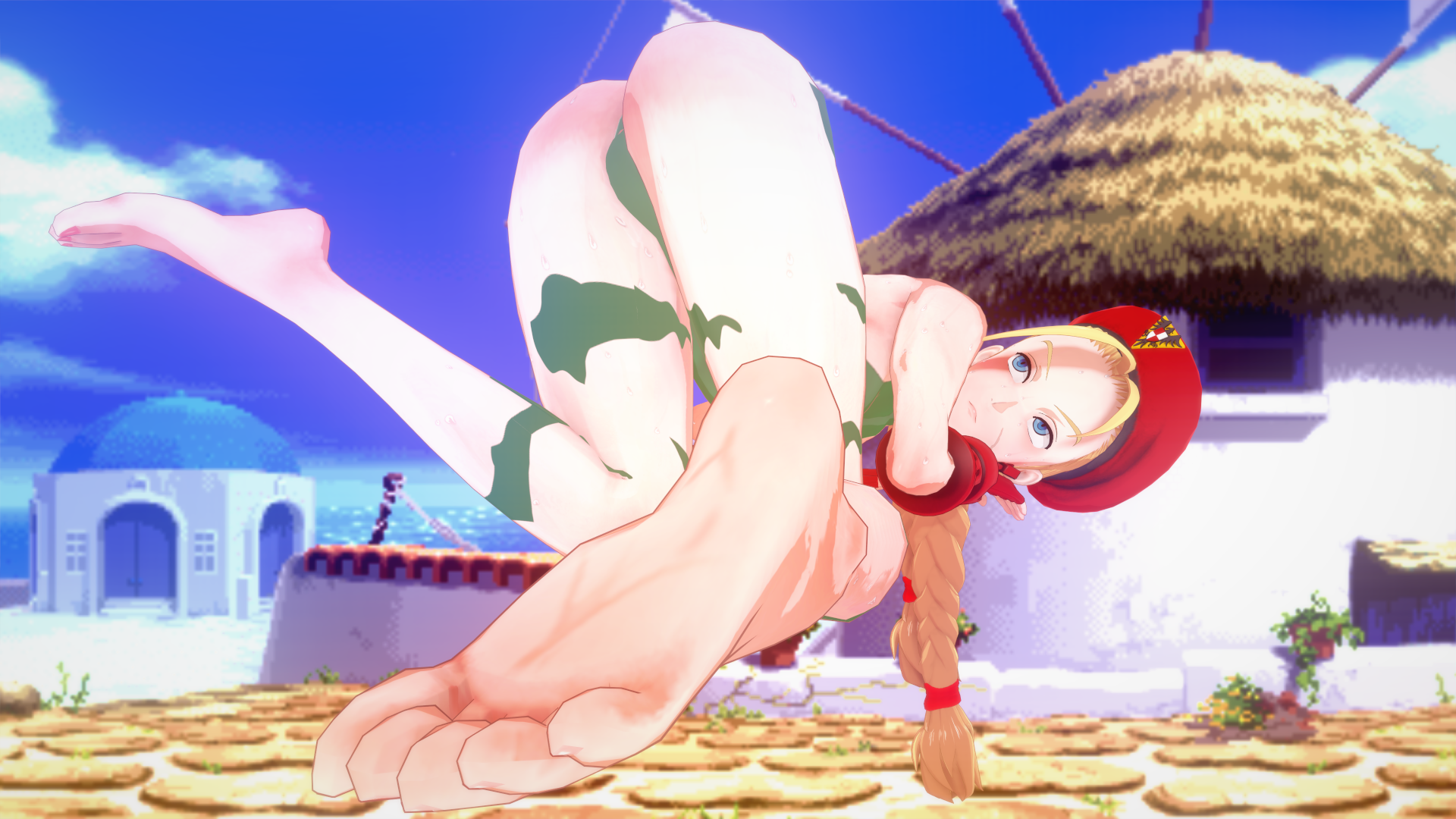
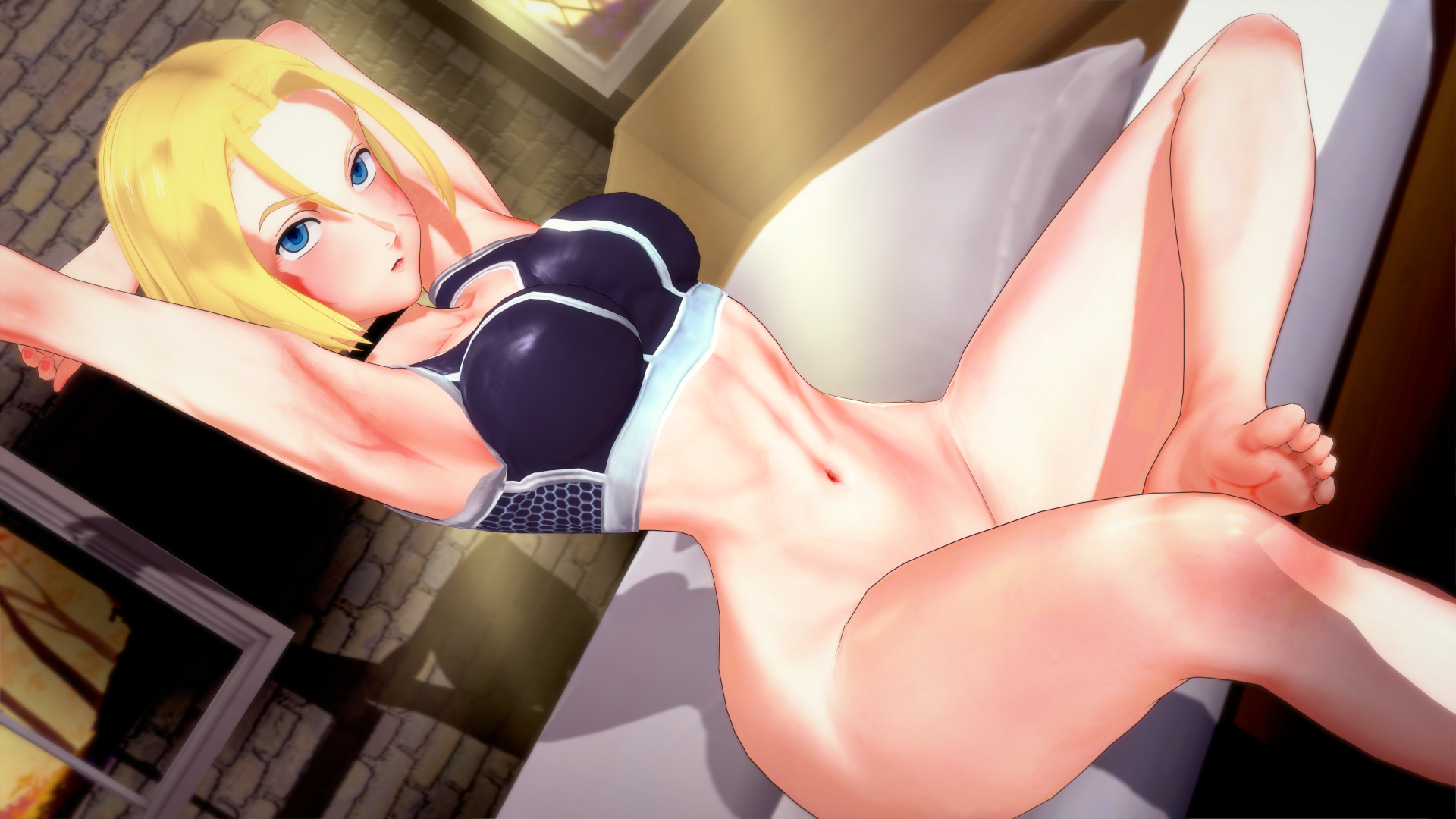
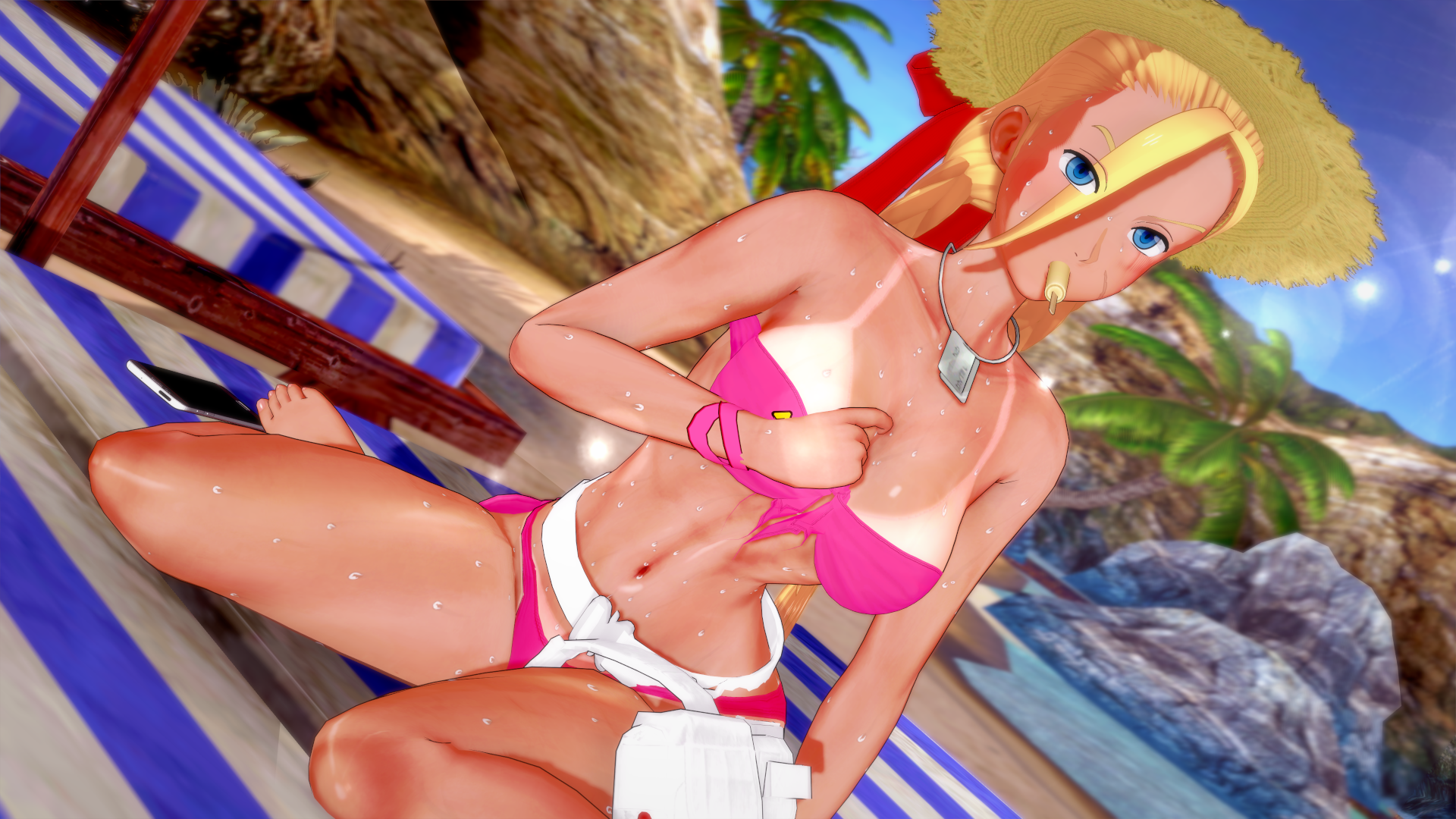
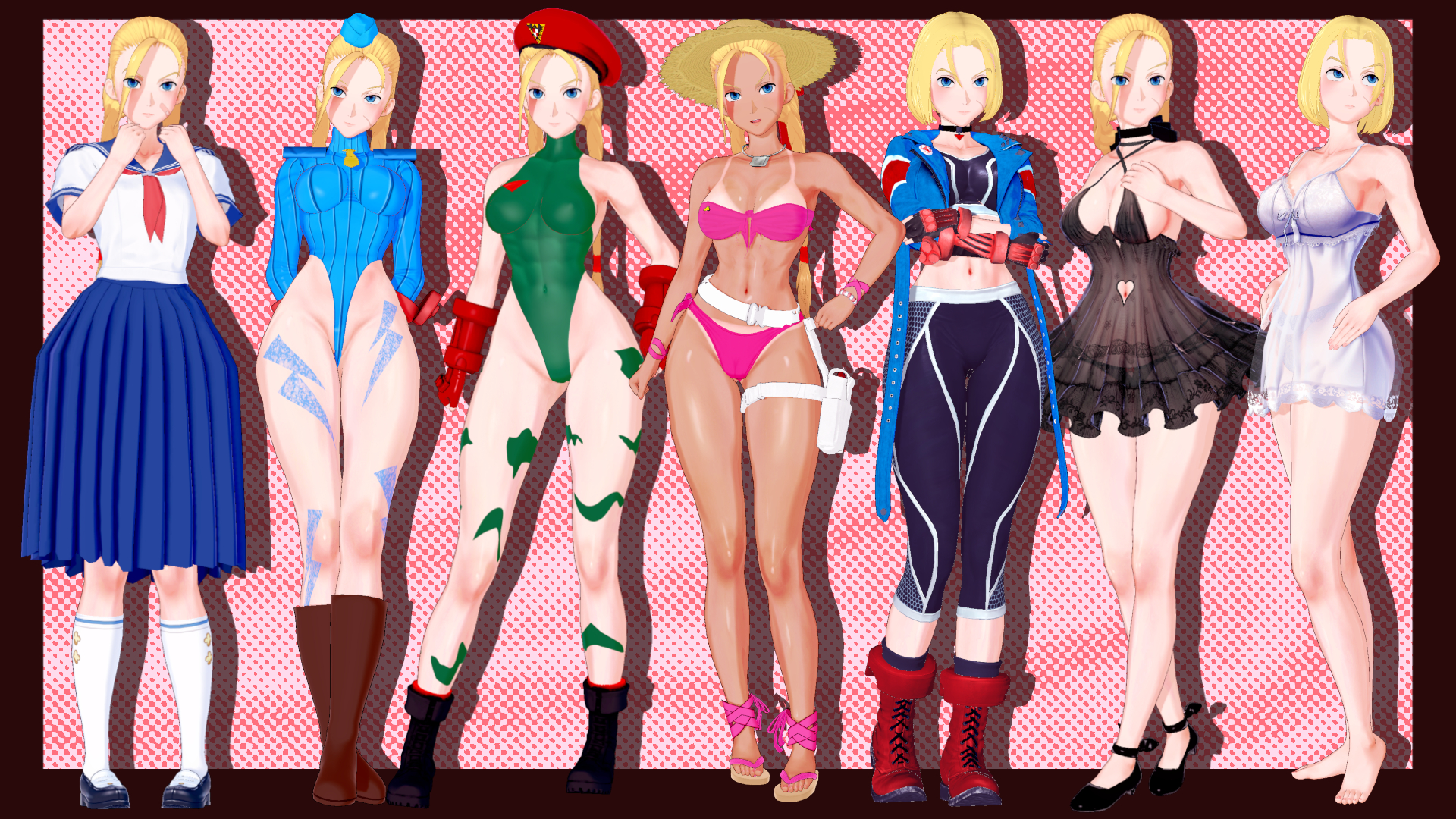
Made in the same retro anime style as my Chun-Li card
Outfits from SF2, Alpha series, SF6, and other miscellaneous artworks
Card and used zipmods
Loading…
gofile.io

Herecan u reupload pls? 😭
How were you able to get to the website? I've been trying for awhile and still cant get in it? Im look for the Marvelous Sunday and Bakushin umamusume cards but i cant get them. I anyone by chance has the mods and cards, can you pls share?


tnx, the angela one looks pretty close.Better off check Bepis site:

Here.Re-added the cards, plus added two new ones. Come get them in my Signature. Also, can someone with GoFile also reuplaod them there.
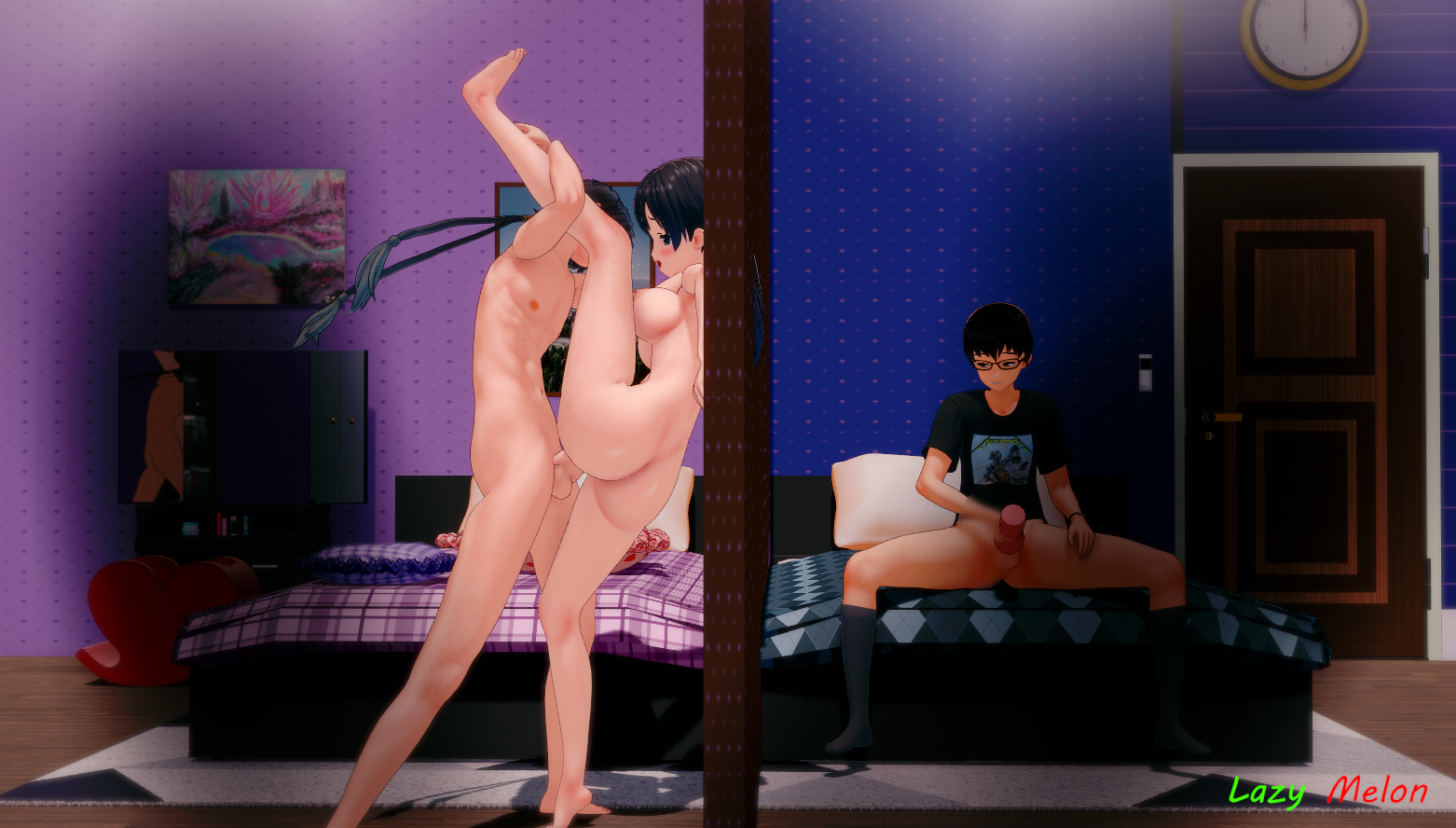

Thanks for the share dude. Who's the author of these clothes?
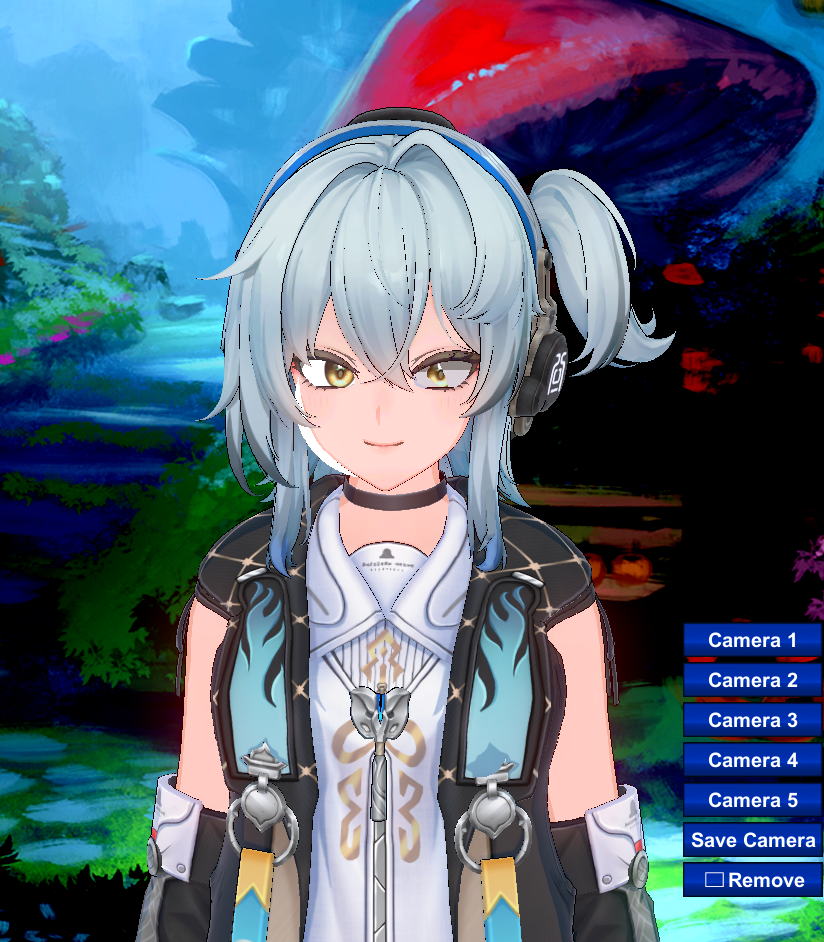
try tweaking the render queue in material editor. material should be labelled as either hitomi(default KK name) or *something* eyes (depending on the facemod)i got a question to ask, so when i put this card into studio or charamaker their eye/iris just disappears. I think its the headmod? because when i hold my left mouse button and see at a certain angle their iris is actually there. But just all the way in the back so it doesnt show, anyone knows on how i can maybe move the iris's position so its actually on their eyes? thank you in advance.
www.pixiv.net www.pixiv.net  www.pixiv.net

Click Add --> Frame --> None.While I appreciate the scene my ADHD is screwing with my personal time with scenes because of the watermark from the author you guys know how I can make it vanish?