[ILLUSION] Koikatu! - Questions & General Discussion Thread

T

tytyty2999

Senior Member
Joined
Apr 3, 2025
Messages
124
Reaction score
305
Points
63
Credits
3,315
pPtSq7k.png
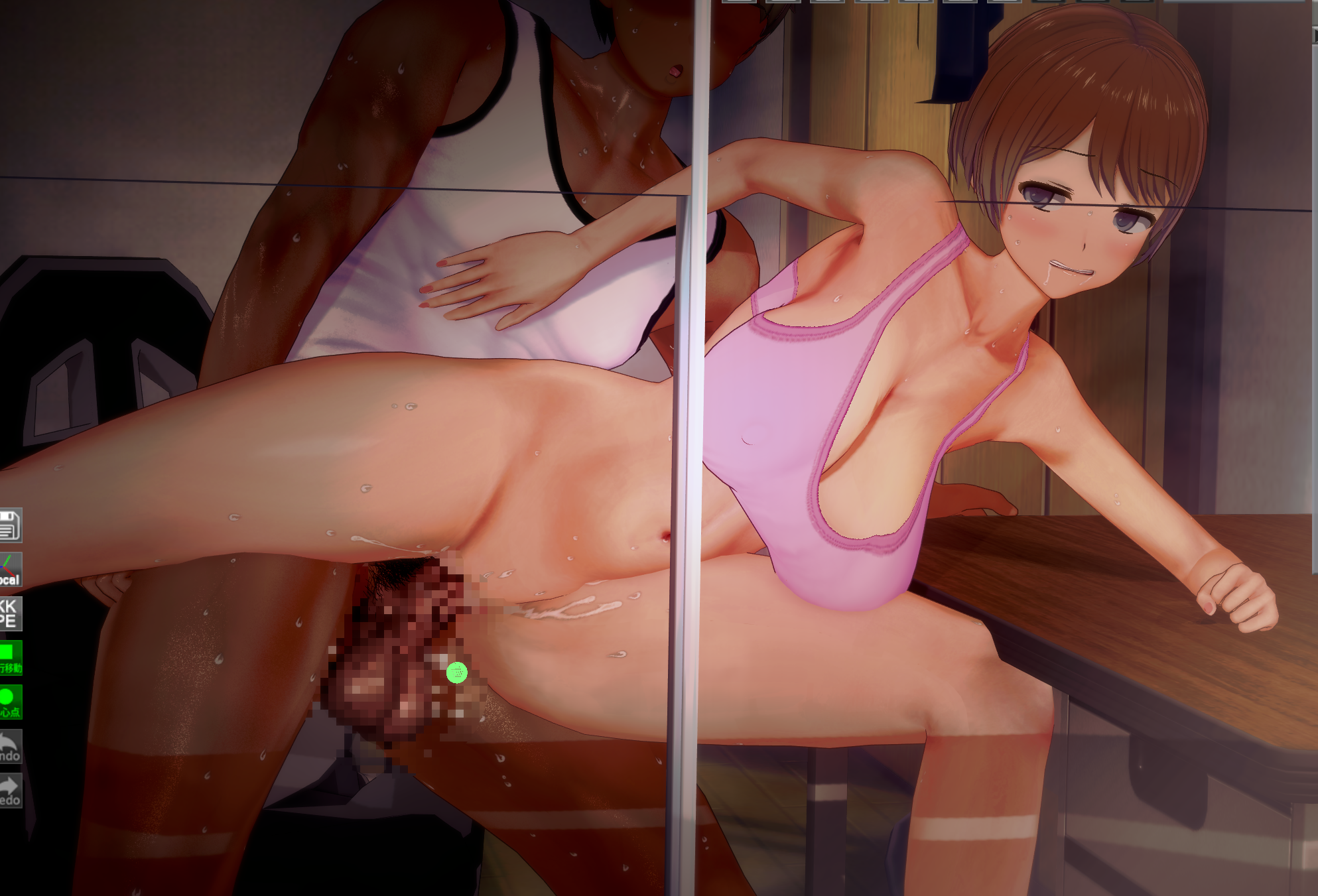
anyone know how to fix this so I can load the scene no problem? this is dorime's latest sd (https://www.pixiv.net/en/artworks/137532892) and the dick isnt animated properly. It should be standing straight up at the start and not bending like that. I can sort of fix it when disabling magic jonhson's FK, and it follow the animation roughly, but its not perfect. Is there a timeline/magic johnson/abmx/kkpe/whatever update I should be aware of to fix this?
I think it need to downgrade instead of update, cuz I can load this SD normally with my better repack RX17, but have same problem with RX22
 
T

tytyty2999

Senior Member
Joined
Apr 3, 2025
Messages
124
Reaction score
305
Points
63
Credits
3,315
BTW, anyone know a guide for dynamic bone collider OR some guide for connect penis item with vagina like BetterPenetration?
I can set to BP and using node for betterpenetration work, but for many other SD it will broke the penis item bone into weird position, the alt way is copy the male, do the node then hide the 2nd male, but still have problem for some SD.
So I want to find a way to connect the penis item to vagina directly so it look more natural or maybe change then penis item if needed (cuz I hate penis7 so much idk why)
can't find a guide for this anywhere
 
S

syzzori

Active Member
Joined
Apr 10, 2025
Messages
104
Reaction score
61
Points
28
Credits
795
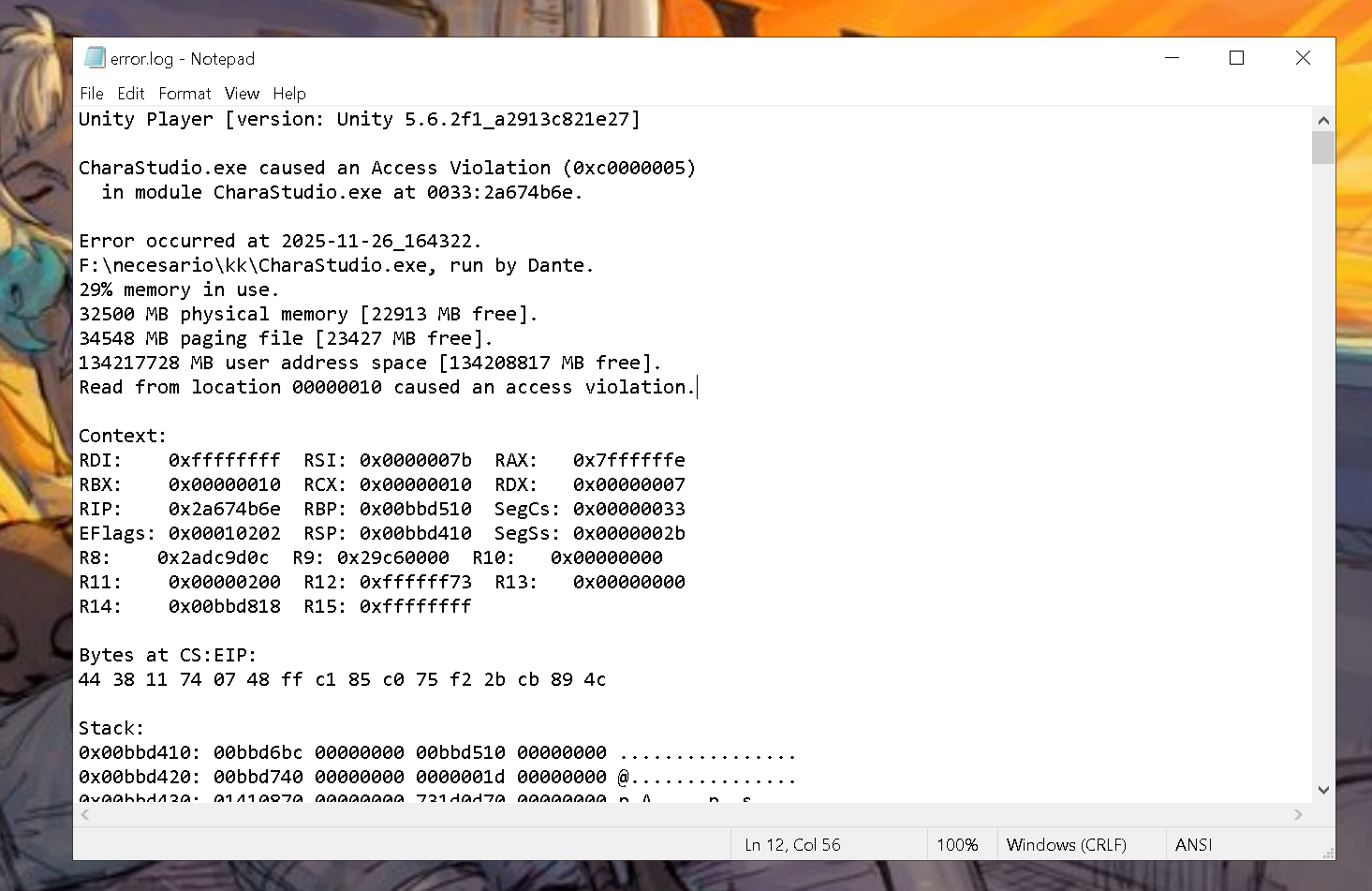
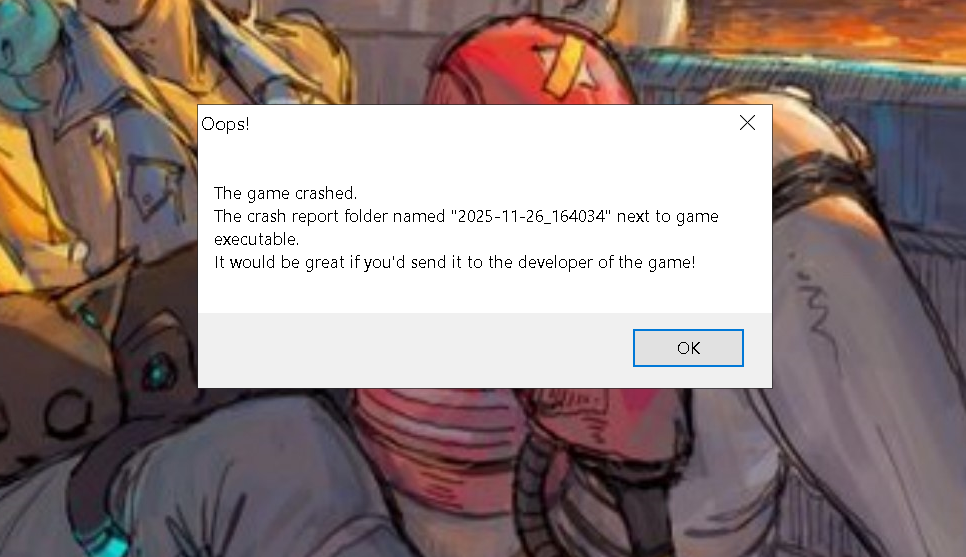
im trying to load some Giddora scenes downloaded from the scene archive and the game just crashes.,,, does anyone know what could cause it? so far these are the only ones, but i haven't tried all of them
paste the crash log in Koikatsu discord server in the help channel, they have a bot that auto checks logs so it might help you out, it can be a lot of things, memory leak, corrupt files etc.
 
M

mk8bner

New member
Joined
Jul 19, 2025
Messages
6
Reaction score
2
Points
3
Credits
50

I am always getting shader errors despite trying many different versions of xukmi shaders. I also definitely have this specific shader available in the material editor so I don't know why it shows up like this. Anyone have a working one or plugin or something for this?
 
quantumstapler

quantumstapler

New member
Joined
Jul 26, 2025
Messages
12
Reaction score
2
Points
3
Credits
50
Anyone know how to change characters' expressions with the expression control plugin in animated scenes? I knew how to do it in the past, but I forgot now. Guess it's somehow related to the bones?
 
D

Demian

New member
Joined
Nov 28, 2025
Messages
1
Reaction score
1
Points
3
Credits
20
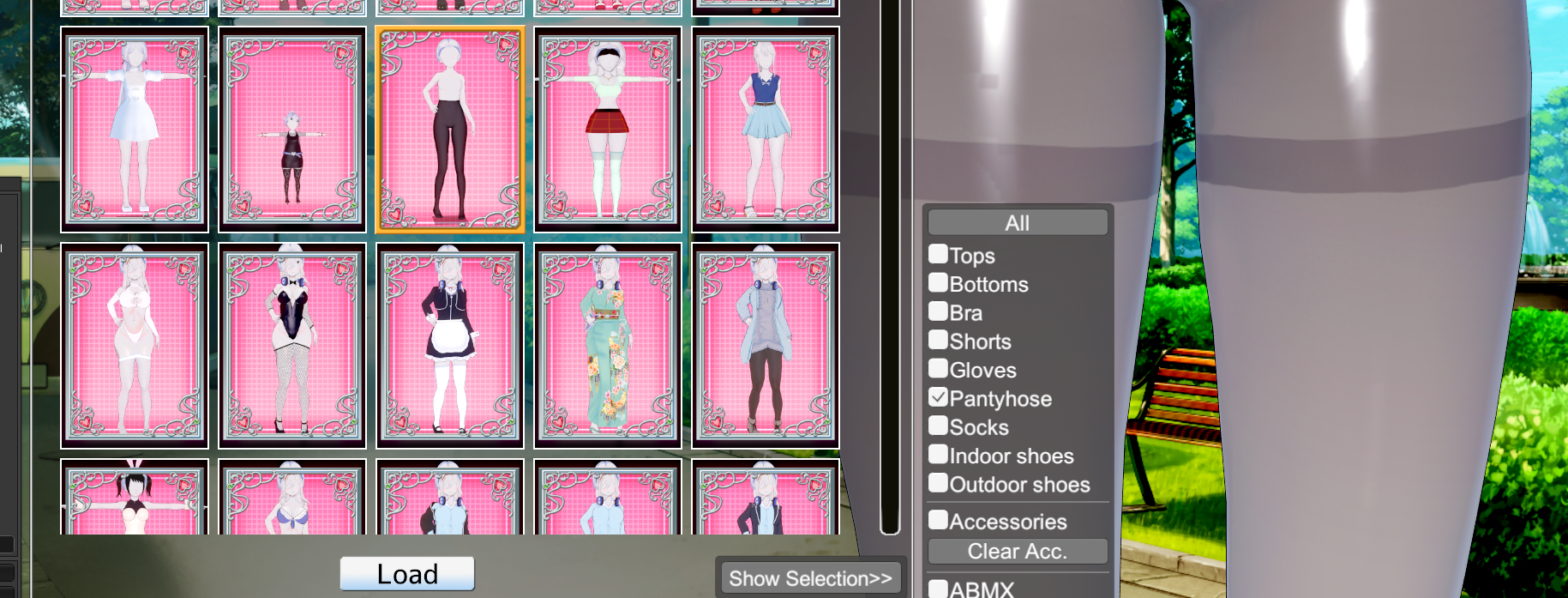
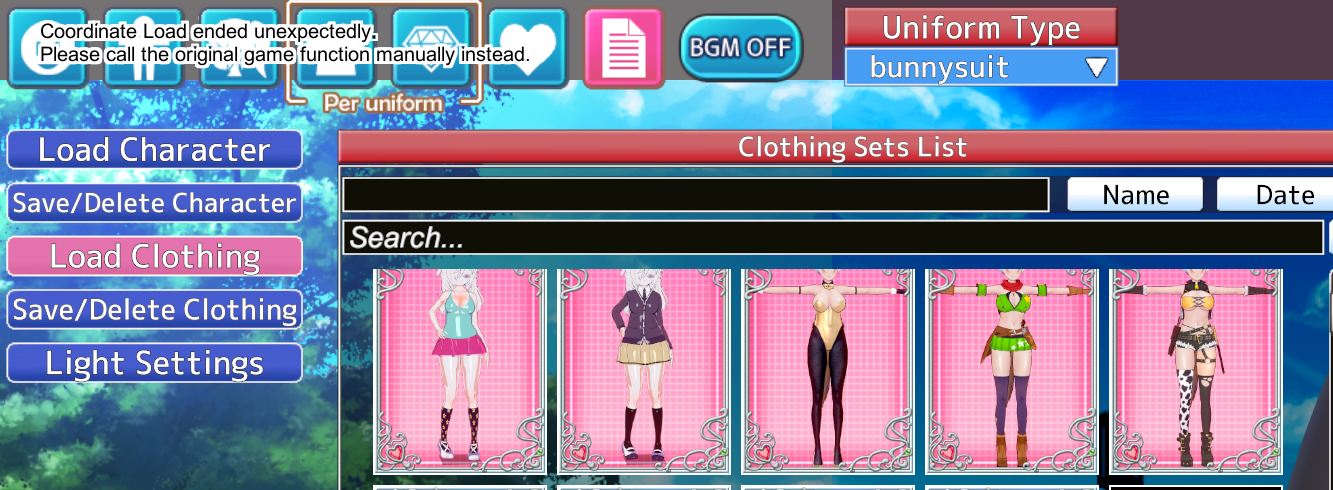
everytime i try to load optional parts of another costume i always get this error, is there a better way to mix saved costumes?


1. Find the outfit you want to use.

2. Don't click "Load." First, use "Show Selection" and choose the part you want to replace (don't worry if it looks white or messy) so the garment works correctly later.

3. At this point, deselect "Show Selection" and let the options "Clothing," "Bone Mod," "Overlay," and "Accessories" appear. Only select "Bone Mod" and "Accessories." You can leave "Clothing" enabled if it works the first time with "Overlay."

  1. I'm already saying I'm using translate just in case.
 
B

ball_breakr

New member
Joined
Nov 3, 2025
Messages
2
Reaction score
0
Points
1
Credits
0


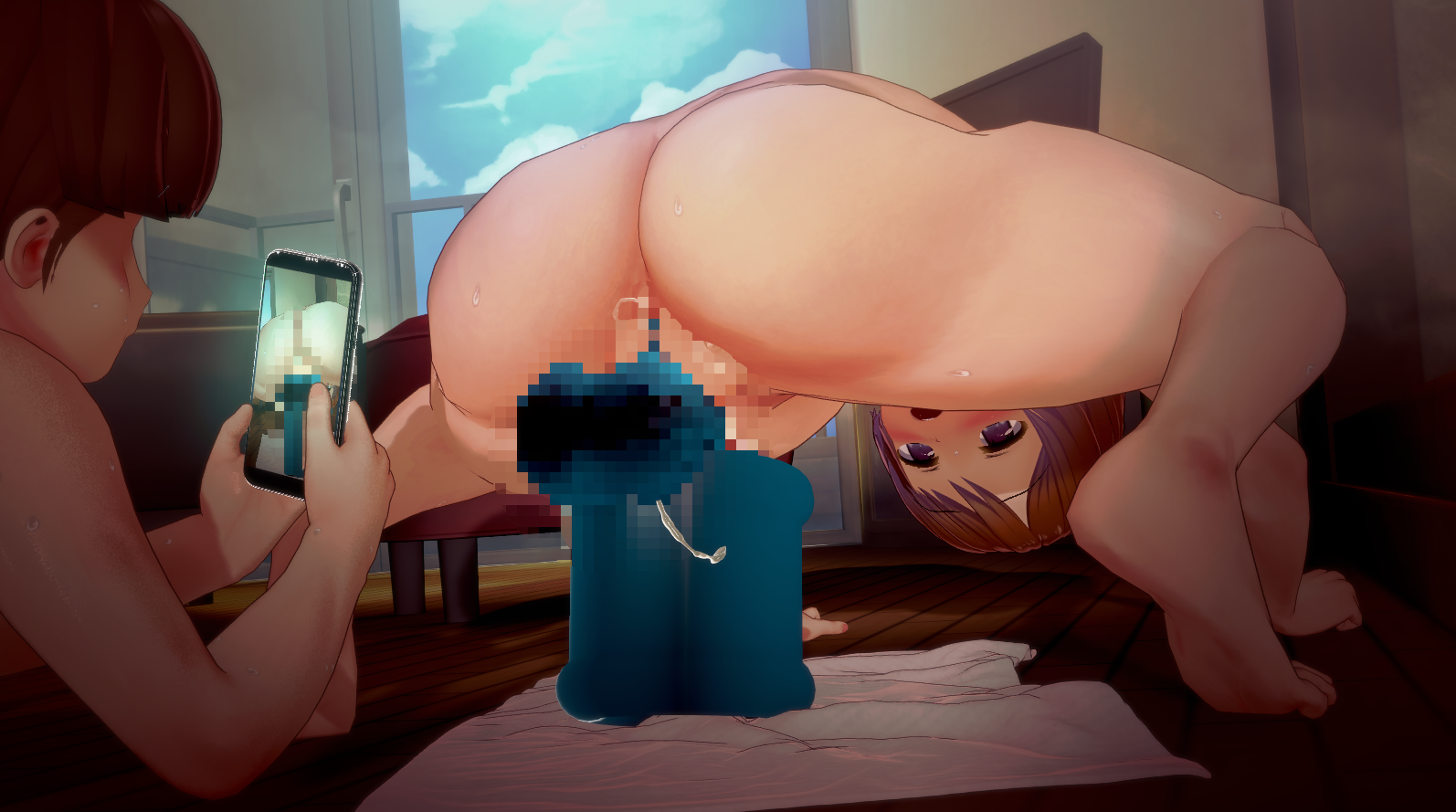
Is there a reason my scenes don't look like Hongcha's? I downloaded Xukmi FX shaders and when I loaded the scene there were no missing mods, yet it still does not look 1:1. I would appreciate the help very much.
 
A

akadog

New member
Joined
May 19, 2025
Messages
1
Reaction score
2
Points
3
Credits
50
pPtSq7k.png
anyone know how to fix this so I can load the scene no problem? this is dorime's latest sd (https://www.pixiv.net/en/artworks/137532892) and the dick isnt animated properly. It should be standing straight up at the start and not bending like that. I can sort of fix it when disabling magic jonhson's FK, and it follow the animation roughly, but its not perfect. Is there a timeline/magic johnson/abmx/kkpe/whatever update I should be aware of to fix this?
i tried turn off magic johnson's dynamic bone and its work
 
Legend

Legend

New member
Joined
Oct 26, 2025
Messages
7
Reaction score
0
Points
1
Credits
5
If you are talking about removing restrictions on replacing a male character with a female one and vice versa, then this plugin will help you. It removes genderlock in the studio.
Can you reupload the mod the link's dead 🙏
 
S

Stigma

KK Master
Joined
Apr 5, 2025
Messages
537
Reaction score
2,349
Points
93
Credits
24,834
Can you reupload the mod the link's dead 🙏
Search your /[OPTIONAL] Plugins for [jim60105] KKS_StudioTransgenderLoading, that´s the plugin
 
boko

boko

Active Member
Joined
Aug 17, 2025
Messages
33
Reaction score
53
Points
18
Credits
580
I remember someone mentioning a tool for removing duplicated mods from the mods folder, anyone knows what they were talking about?
 
cesarnator

cesarnator

Veteran Member
Joined
May 13, 2025
Messages
147
Reaction score
608
Points
93
Credits
6,315
I remember someone mentioning a tool for removing duplicated mods from the mods folder, anyone knows what they were talking about?
this one kkmanager?
manually disable or delete duplicates here
YXxeyBg.png

OR9q5sX.png

idk if it's safe to use this
 
S

Stigma

KK Master
Joined
Apr 5, 2025
Messages
537
Reaction score
2,349
Points
93
Credits
24,834
this one kkmanager?
manually disable or delete duplicates here
YXxeyBg.png

OR9q5sX.png

idk if it's safe to use this
Oh, I didn't know this was a thing KK Manager could do, thank you!
Don´t use it, the last time I used it, it made many mistakes.

If you want to delete duplicates, the best way is to open KKManager and press show same guid, then manually check which is a duplicate and which is an update, and the ones you want deleted.
 
B

beh123234

New member
Joined
Dec 1, 2025
Messages
1
Reaction score
0
Points
1
Credits
0
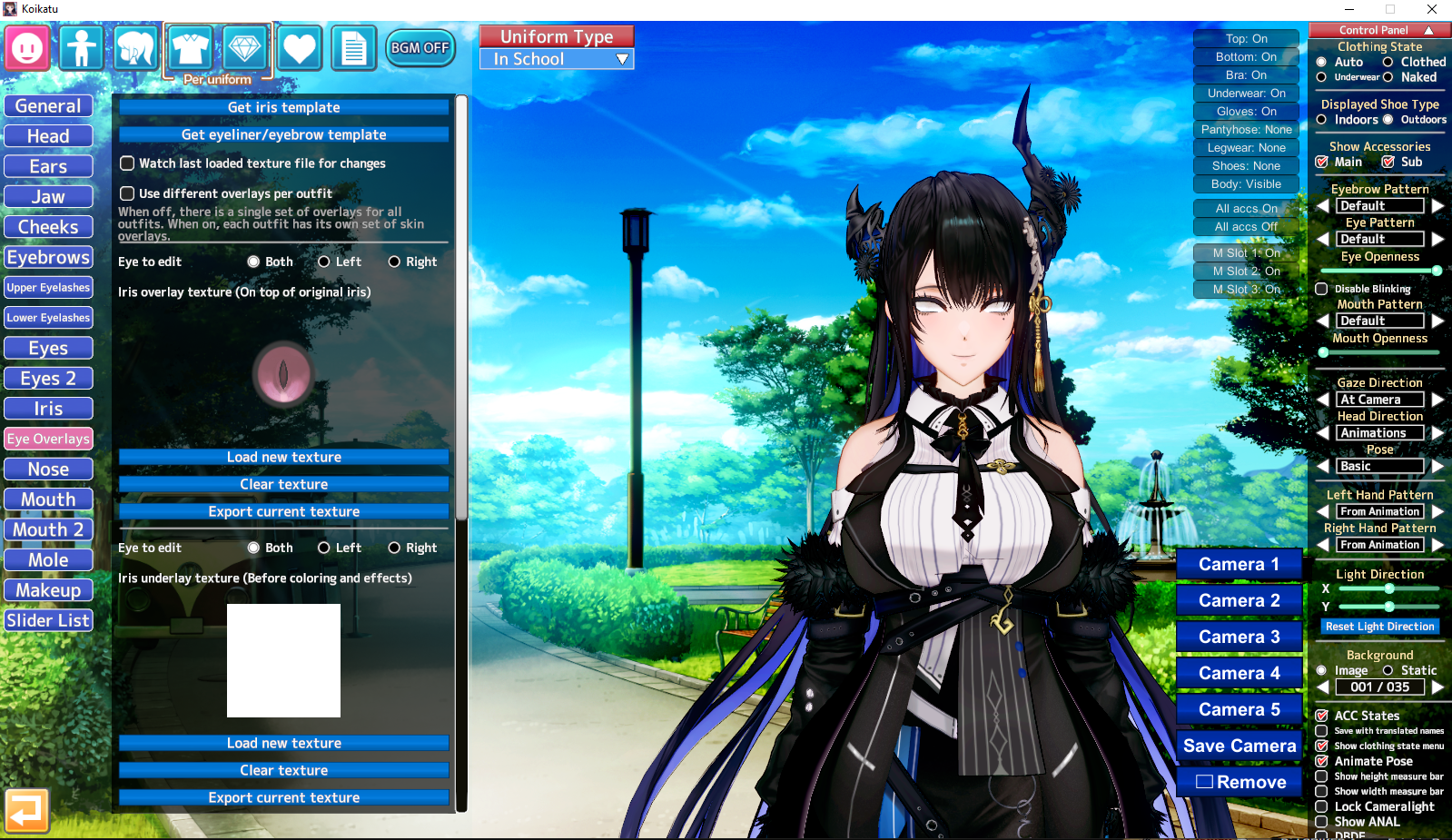
Hello, I'm a brand new Koikatu user, so apologies if my questions are simple or otherwise have been answered already. It seems I don't have the stiletto plugin, which is odd since I thought it would come with the HF patch. I went to look for it, and unfortunately, the github page is down. Would anyone happen to know where else to find it or would otherwise be willing to share it here?

The other question I have is that one of my cards' eye overlay doesn't work. The overlay preview looks fine in the eye overlay tab, but it clearly doesn't appear on the character.
Any help would be greatly appreciated
 
Last edited:
Helblind

Helblind

Veteran Member
Joined
Aug 28, 2024
Messages
309
Reaction score
841
Points
93
Credits
8,615
SphyrnaKK

SphyrnaKK

Member
Joined
Nov 20, 2024
Messages
20
Reaction score
29
Points
13
Credits
340
WPhteYZ.png

I used to be able to select multiple bones at a time with ctrl+left click but now I'm forced to rotate every finger individually. They circles used to turn blue when I multiselected them. Anyone know why?
 
Last edited:
SphyrnaKK

SphyrnaKK

Member
Joined
Nov 20, 2024
Messages
20
Reaction score
29
Points
13
Credits
340
WPhteYZ.png

I used to be able to select multiple bones at a time with ctrl+left click but now I'm forced to rotate every finger individually. They circles used to turn blue when I multiselected them. Anyone know why?
fixed it. ShalltyUtils was just missing from my plugins folder
 
zeidhan29

zeidhan29

KK Master
Joined
Sep 17, 2025
Messages
427
Reaction score
1,058
Points
93
Credits
10,820
Anyone know what's up with everyone's tits (and skirts) in the Ettole scene?


Seems to be related to gravity? If I disable the boobs and butts it fixes the titties, for what that is worth.

What it is supposed to look like:

I recently encountered this problem in both Koikatsu and Charastudio.

I believe a zipmod file is causing this conflict, and I would appreciate it if you could confirm whether this is the case.
 
T

TheMacawMacaw

Active Member
Joined
Aug 6, 2025
Messages
65
Reaction score
71
Points
18
Credits
830
nzlBVYd.png


the male's hips don't move lmao

I've attached the scene file and a video demonstration of it. Can anyone help?

UPDATE: I installed HFpatch 3.36 and the problem still persists, the male's hips does not move, AND their heads do not move anymore now LOL
Do you guys got any fix? Asking for help from others too!
 
Last edited:
gustavo40

gustavo40

KK Master
Joined
May 17, 2025
Messages
239
Reaction score
1,139
Points
93
Credits
11,650
gustavo40

gustavo40

KK Master
Joined
May 17, 2025
Messages
239
Reaction score
1,139
Points
93
Credits
11,650
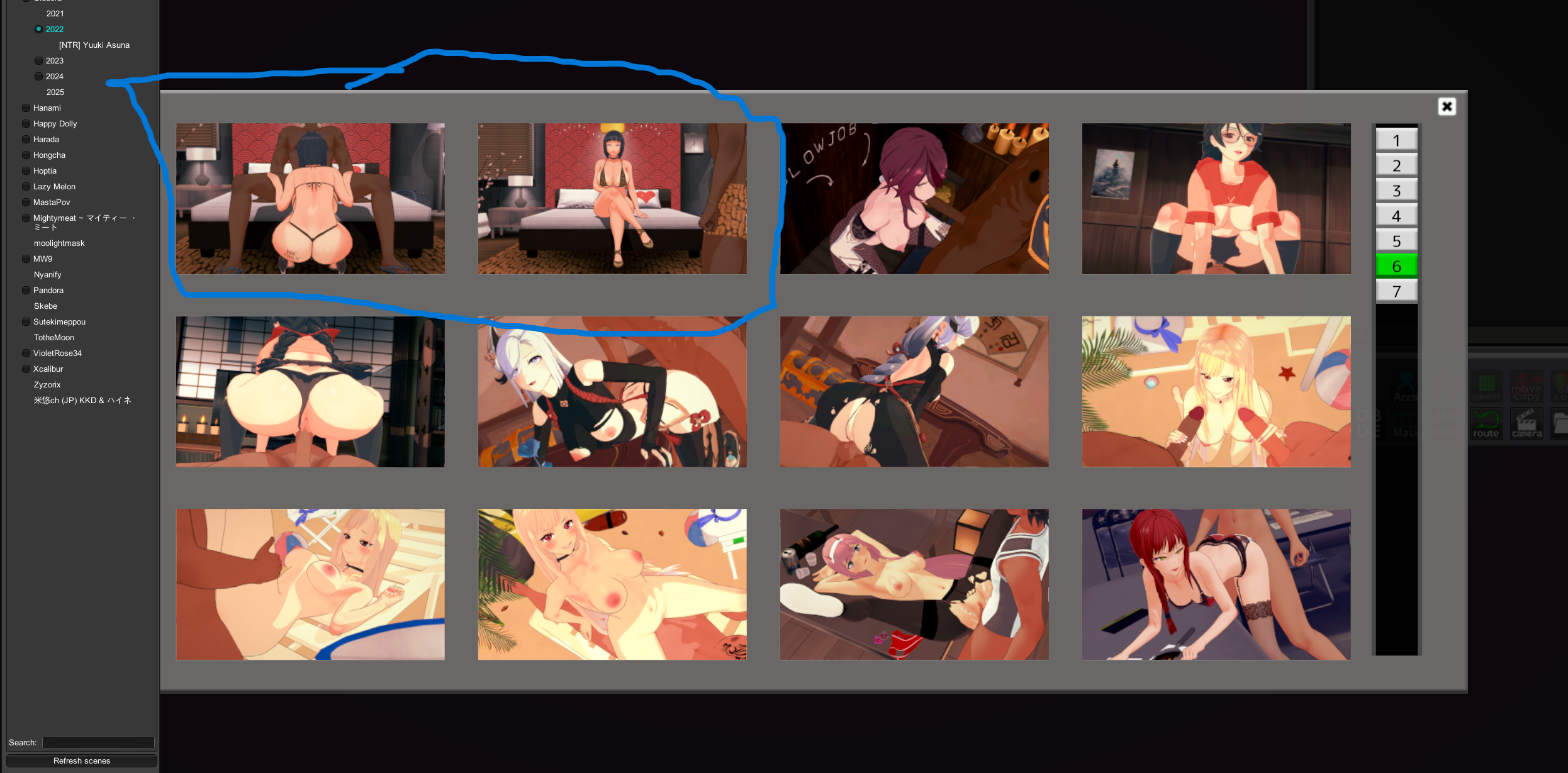
Hello, I have a question. I want to load scenes from 喚く狂人 but I always get that error, and the scenes are not the same as him. How do I load xukmi shaders in scenes?

KSrczXa.png
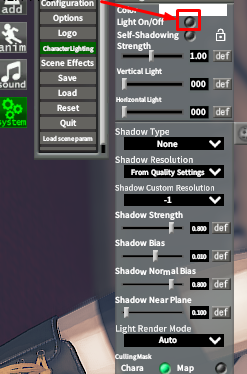
I have no idea how the studio lights work, so I always ignore that message,


Try disable the character's lights using the options or using the KK_Lightswitch plugin.
 
Helblind

Helblind

Veteran Member
Joined
Aug 28, 2024
Messages
309
Reaction score
841
Points
93
Credits
8,615
I recently encountered this problem in both Koikatsu and Charastudio.

I believe a zipmod file is causing this conflict, and I would appreciate it if you could confirm whether this is the case.
Though I cannot say 100%, I do not believe this to be zipmod conflict relate. My reasoning is this: I have tried three different, independent, versions of charastudio, with different mods and sometimes minimal mods, and each resulted in torpedo tits; and, using the makerbridge, exporting a character with said mega mammaries from charastudio to femalemaker results in appropriate chesticles.

It could be a missing zipmod, but I am leaning to something plugin related, especially since disabling boobs and butts solves the issues.

It is almost like there is a black hole at in the scene that is pulling everything with physics towards it.
 
T

tytyty2999

Senior Member
Joined
Apr 3, 2025
Messages
124
Reaction score
305
Points
63
Credits
3,315
Though I cannot say 100%, I do not believe this to be zipmod conflict relate. My reasoning is this: I have tried three different, independent, versions of charastudio, with different mods and sometimes minimal mods, and each resulted in torpedo tits; and, using the makerbridge, exporting a character with said mega mammaries from charastudio to femalemaker results in appropriate chesticles.

It could be a missing zipmod, but I am leaning to something plugin related, especially since disabling boobs and butts solves the issues.

It is almost like there is a black hole at in the scene that is pulling everything with physics towards it.
wait u can't fix this with Dynamic Bone Collider? I remember almost all his SD using dynamic bone
 
Caleb_belaC

Caleb_belaC

Veteran Member
Joined
May 7, 2025
Messages
48
Reaction score
419
Points
53
Credits
4,455
Does anyone know how to make shader swapper work with KKUTS? I don't like that shader so I want to use the swapper to change it to Xukmi. I tried to make a config but it didnt work. If anyone can test this and see if it works for them or if they have their own config.
 
T

TheMacawMacaw

Active Member
Joined
Aug 6, 2025
Messages
65
Reaction score
71
Points
18
Credits
830
It seems you're not using the KK_ShalltyUtils plugin,
try this.
Hello, I installed the plugin you mentioned, what else should be done? I put in a clip on the same mega link where I just loaded the same scene and both problems still persists. I am assuming some animation nodes got deleted or something.


QUICK UPDATE: I reloaded the scene again and it finally works for some reason. ?????
 
Last edited:
S

Stigma

KK Master
Joined
Apr 5, 2025
Messages
537
Reaction score
2,349
Points
93
Credits
24,834
opCnzUE.png


how do you install these types of mods?
You put them in /MyMods folder like always. I think normal Koikatsu can read zip files as mods too, but if you are on Sunshine, I think you will need to rename it from .zip to .zipmod.
 
S

Stigma

KK Master
Joined
Apr 5, 2025
Messages
537
Reaction score
2,349
Points
93
Credits
24,834
Hello, I'm a brand new Koikatu user, so apologies if my questions are simple or otherwise have been answered already. It seems I don't have the stiletto plugin, which is odd since I thought it would come with the HF patch. I went to look for it, and unfortunately, the github page is down. Would anyone happen to know where else to find it or would otherwise be willing to share it here?

The other question I have is that one of my cards' eye overlay doesn't work. The overlay preview looks fine in the eye overlay tab, but it clearly doesn't appear on the character.
Any help would be greatly appreciated
We use gitgoon for KK plugins now

The problem with the eyes overlay, I believe it´s because of the custom headmod that the card is using. Some headmods really don´t support eyes overlays at all, some support the default ones, but most will require you to edit a custom eye overlay so that it fits and works properly, and you will need to apply it in the material editor. Which edits? The structure of the headmod is too different from the vanilla head, so you´ll need to resize and move the eyes around to make it work. Another thing is that while the vanilla head only needs one side of the eye, which can be used for both eyes, most headmods will require both sides of the eye in a single .png to work.
 
T

tytyty2999

Senior Member
Joined
Apr 3, 2025
Messages
124
Reaction score
305
Points
63
Credits
3,315
Does anyone know how to make shader swapper work with KKUTS? I don't like that shader so I want to use the swapper to change it to Xukmi. I tried to make a config but it didnt work. If anyone can test this and see if it works for them or if they have their own config.
what about Haruka's Shadermanagertool?
 
Caleb_belaC

Caleb_belaC

Veteran Member
Joined
May 7, 2025
Messages
48
Reaction score
419
Points
53
Credits
4,455
what about Haruka's Shadermanagertool?
Oh, I havn't heard of that before. do you have the tool? I tried to download the latest version from here but it's just downloading a 0 byte zip.

(edit) nevermind I found it on the discord. Thank you for letting me know of the tool.
 
zeidhan29

zeidhan29

KK Master
Joined
Sep 17, 2025
Messages
427
Reaction score
1,058
Points
93
Credits
10,820
Aunque no puedo asegurarlo al 100%, no creo que esto esté relacionado con un conflicto de zipmod. Mi razonamiento es el siguiente: he probado tres versiones diferentes e independientes de charastudio, con diferentes mods y, a veces, con mods mínimos, y cada una resultó en tetas torpedo; y, usando el Makerbridge, exportar un personaje con dichas megamamarias de charastudio a femalemaker resulta en chesticles apropiados.

Podría ser que falte un zipmod, pero me estoy inclinando por algo relacionado con el complemento, especialmente porque deshabilitar las tetas y los traseros resuelve los problemas.

Es casi como si hubiera un agujero negro en la escena que estuviera atrayendo todo lo que tenga física hacia él.

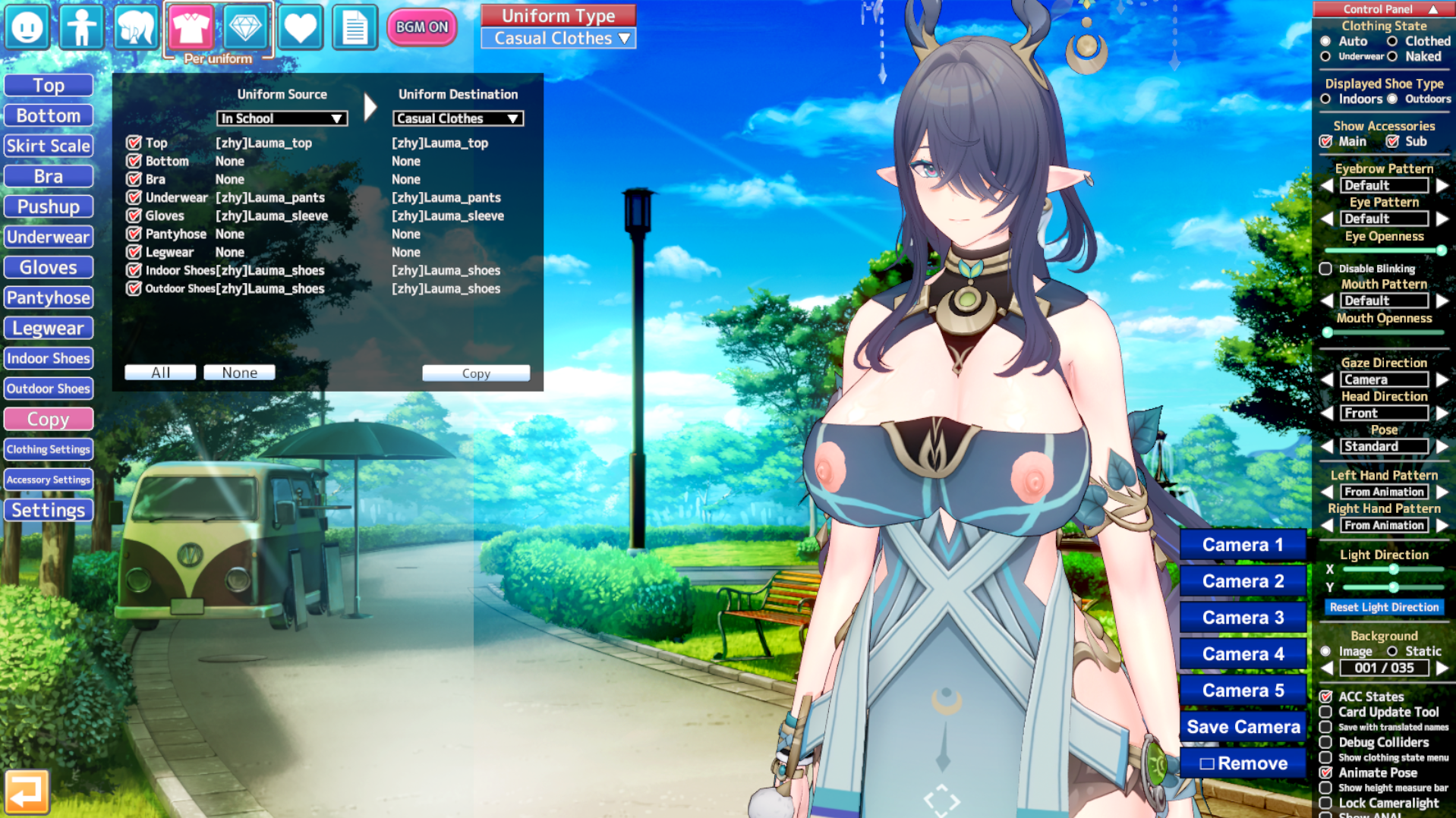
I think I'll end up disabling collision detection in both Charastudio—which is disabled by default—and Koikatsu (the game), although that makes me wonder how some models interact with the game's physics. Let me explain: I'll use a current example. I was working on this model yesterday, adding it to Charastudio every time I made progress. For the "final" part (like the last progress of the day), I added a coat that comes with physics in the Top accessories slot, and I modified it a bit with DBDE and ABMX to reduce its stretchiness like a dress. Since the character doesn't actually wear anything else, I decided to copy both the clothing and accessories for the four main outfit slots (Casual, Swim, Pajamas, and Bath); there are no extras.

Would I solve this by swapping this coat with the main Top and using the Bodysuit (the current Top) as an accessory?

-------------
I should clarify that the model is far from finished, and I say this in case it doesn't resemble the character I'm trying to create at all. 😅😅

Chara-Studio-2025-12-02-03-09-57.png


Chara-Studio-2025-12-02-03-10-33.png


(I censored the image because it's an R-18G scenario)
 
V

Vixen

New member
Joined
Dec 3, 2025
Messages
1
Reaction score
0
Points
1
Credits
25
I'm having trouble with Hongcha's #247. When I load the scene, the character's feet are not positioned correctly.
I followed the guide on his Fanbox and installed all the GSPoses, but it didn't solve the problem. Any advice?


Top