S
shaisabrec
Member

Anyone know how to fix this kind of issues? The dick just goes through her chin. Even the default scene model did this


did you copy and paste the shader of the chika?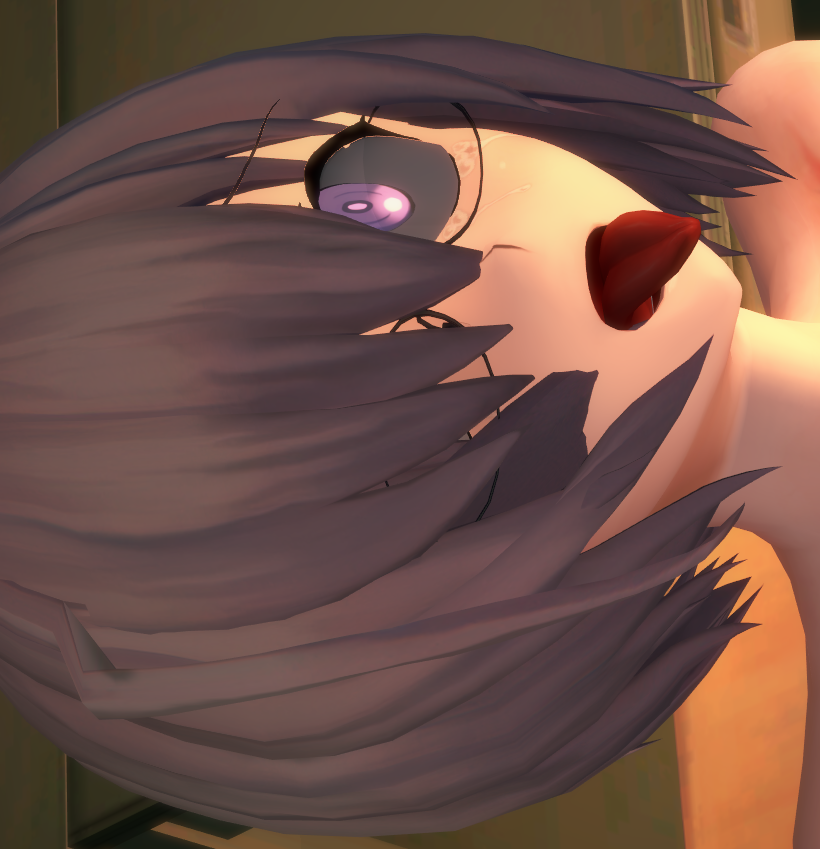
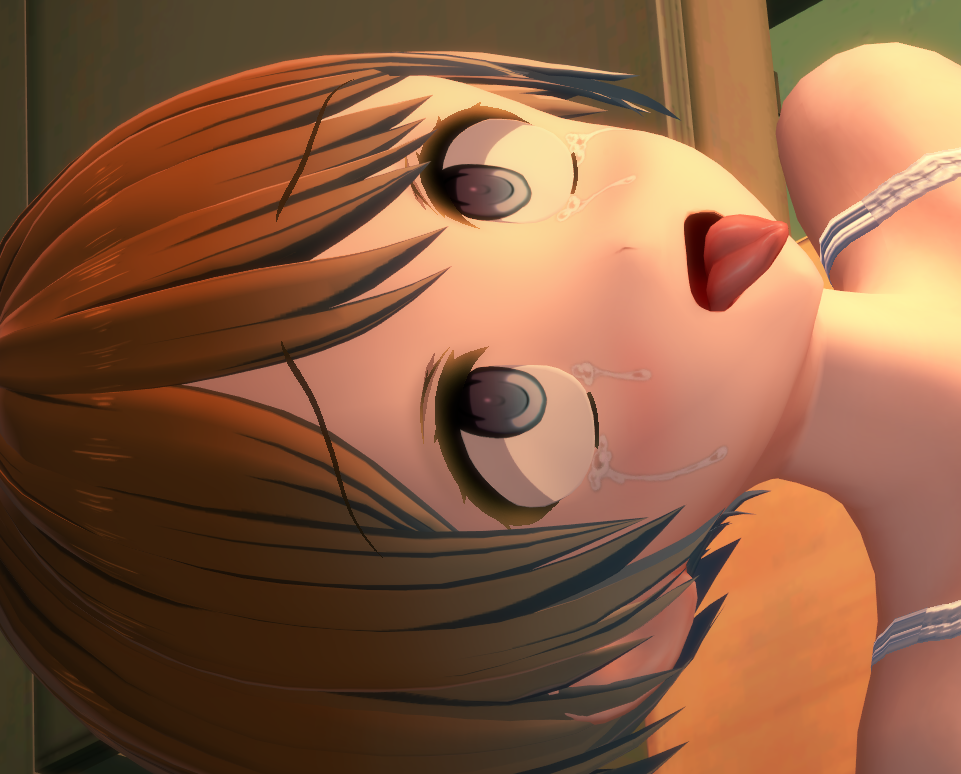
The whites of the eyes keep turning out too dark. I want to make them brighter, but I couldn't get them brighter using the Material Editor. What should I do?


Looking up “sirome” made things clearer. Thank you very much.did you copy and paste the shader of the chika?
Thank you for the thorough explanation, this has been bugging me for like over a year.Koikatsu its not GPU demanding.
Koikatsu Its not CPU demanding.
Its even worse.
Koikatsu is "Core 0" demanding.
"...Core 0"?
Your CPU (Central Processing Unit) is made out of different cores inside it.
Why? -> Because its optimal. Having only one faster core doing stuff became inviable because of physical and logical limits.
Therefore, manufacturers started increasing the number of cores inside a CPU.
Why have an overworked person doing stuff when you can have multiple clones of said person doing said stuff in paralel?
The more clones, the more stuff you can do. Thus, multicore cpu´s were born:

In my case the 5700x3d I have as CPU has 8 cores, 16 threads which are like 8 people with 2 hands each doing stuff for me:

Each core is assigned to a task it must complete before starting another task. The more cores the more tasks you can do.
So, whats happening with Koikatsu?
-> The version of Unity (Koikatsu´s engine) running (5.6.2) its not designed to run stuff in parallel nor have good multithread support.
-> All the workload (physics, blendshapes, IK, meshes, accesories moving) is done by only one core.
->As such, even if you have 6 fps, the CPU usage will be at maximum 25%:
CPU: Unused
<-This with Koikatsu ON gives 10 fps.
GPU: Not essential, but helps.
<- Withouth any frame gen.
<-60% of a RTX5070ti since im using smooth motion frame 2X, with lossless scaling 4x is even less.
A 3070ti would be enought I guess?
Why?
-> Real multithread support was enabled for Unity from 2020 onwards, Koikatsu launched on 2017, its development started way earlier:

Thus, Koikatsu its not optimized. What does it mean?
->Koikatsu will never use all the processing power of your CPU. It will allways assign all of the workload to 1 core even if you have 4,6,16, 64 cores.
Thus, even if you have a supercomputer, Koikatsu will be tied to the max speed of core 0 and maybe core 1 and 2.
->GPU is not the bottleneck, so the resources allocated to the GPU are free, which means:
You can use Lossless scaling (6x) frame generation or enable nvidia´s Smooth motion frame (2x) to do frame generation for you

Yes, they increase latency, but who needs fast reactions on a porn game?
You can have programs like ReShade which inject effects and use only your graphics card to enable extra effects withouth a big penalty:

What can we do then?
The chance of Koikatsu 2 (with all the optimization, raytracing, dlss,whatever) releasing is really slim.
After all, Illusion closed on 2023 and Illgames is not its official successor.
Thus the only way is to optimize the scene.
How?
Well, the biggest culprit of low fps on scenes is actually... the accessories you have on each character.
Why? Because they move. And there is only one thread calculating how each accesory moves.
Therefore, it lags like hell.
Solution:
-Disable gravity on accesories and clothes.
-Work with characters with less clothes or less accesories.
-Check how much fps maps take from you. Some maps are fps hogs.
-Use the video capture mod to create videos (It renders the image frame by frame and then glues all of them together lmao) which takes a while but works.
-Learn about Graphic settings.
---
Life and death are decreted by fate. Prosperity is up to heaven...
Im going to be honest with you, if Koikatsu launched on 2026 it would have probably been done on Unreal Engine 5.
It wouldve come out with lumen, raytracing, DLSS, and need 64 gbs of RAM and multi frame gen to run... and so it would suffer of success.
Because nobody would be able to launch it.

So... maybe the current state of the game is a blessing on disguice.

Thank you for the thorough explanation, this has been bugging me for like over a year.
I still wonder though, what is it about the HF-Patch that makes everything seem to run slower overall be it CharaStudio or stuff like the character creator in the main game? I've done installs of KK with just better repack and kplug and performance doesn't seem that affected for me, but then if I do a HF-patch install on it's own then I start getting noticeable FPS drops.
Like this wouldn't bother me as much if other people experienced the same but all I ever see online is people recommending the HF Patch and nobody seems to acknowledge the performance hit is has.


I've never used any of lo_r's mods but, speaking from experience, make sure to check/copy all the materials in ME like in this Grafko dress:Does anyone know why using lo_r's clothes break textures? I don't know if its specific to that author's mods or a common occurrence when using modded clothes in general (although some retain their appearance/don't break)
Every time I select a piece of clothing from the mod and equip it directly on another character, the textures break.
But if I transfer the clothes by going to original character -> save clothes then -> target character -> load clothes, the textures remain intact.
I’ve tried a few things that I thought might fix it, but none worked:
Disclaimer: I know next to nothing about KK modding particularly in material/texture manipulation; please go easy on me 😅
- Copying the material editor settings from the original clothes to the new character
- Dumping the textures and reloading them onto the new clothes
Appreciate any input on this


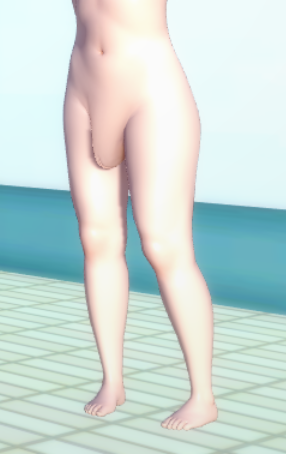
Some bones can cause issues like this in story mode, no clue why.
I am having this glitch with some of my charactes during story mod, their genitals get bigger by each day, the only way I found to stop it was to change the genital scales to 100 or bellow, but I don't really want to change some of them since they look better with the current scales, does anyone know of another way of fixing this issue?

Oof, I still don't know how to work with bones, gotta have to try. Thanks for the help.Some bones can cause issues like this in story mode, no clue why.
For example, if I edit the Y offset for the cf_n_height, it makes the characters start to incrementally levitate off the ground. The work around I found was to try edting other bones that makes the same changes and see if it works. It's really trial and error.
Solution in my case was to edit the Y offset for the root bone right above it but only when I add them to story mode.
It can really be a pain hahahahOof, I still don't know how to work with bones, gotta have to try. Thanks for the help.


I've never used any of lo_r's mods but, speaking from experience, make sure to check/copy all the materials in ME like in this Grafko dress:
And also check if there are any other overlays/alpha masks:
But the best way to do it is like you've already done by saving the coordinate, loading it and manually trasnfering/removing the accesories you dont want and then transfering/copying the ones from your character. I do it this way...

I would try with KKUTS_Tess or KKUTS_Item_Tess.KK RX22, Grafko Lynae
any idea how to fix this clipping?
body: visible
body: invisible


Thanks. It works 😙I would try with KKUTS_Tess or KKUTS_Item_Tess.
Not decreasing the edge lenght (tesselation) per se, but just increasing the obstruction amount:


This card seems to be using a headmod. Swapping non-headmoded cards for headmoded ones and vice-versa does not work well as they have custom expressions that vary from mod to mod.I want to preface this by stating I'm a complete noob when it comes to scene editing. The only things I know are basic stuff like changing which character is being used in the scene and fixing a collider issue by disabling the dynamic collider by turning off all the affected dynamic bones.
I'm running into a strange issue where the iris seems to be overlayed on top of the faces on certain scenes. I attached 2 screenshots. The first has both the irises and the second one I was able to disable one of the irises so you can see the sclera(?) and how the iris is on top of it. Only certain characters have this issue so I suspect it's the eye overlay or something but I don't know what. Any ideas on how to fix this?
ctri+i search hitomi and uncheck themI want to preface this by stating I'm a complete noob when it comes to scene editing. The only things I know are basic stuff like changing which character is being used in the scene and fixing a collider issue by disabling the dynamic collider by turning off all the affected dynamic bones.
I'm running into a strange issue where the iris seems to be overlayed on top of the faces on certain scenes. I attached 2 screenshots. The first has both the irises and the second one I was able to disable one of the irises so you can see the sclera(?) and how the iris is on top of it. Only certain characters have this issue so I suspect it's the eye overlay or something but I don't know what. Any ideas on how to fix this?

This card seems to be using a headmod. Swapping non-headmoded cards for headmoded ones and vice-versa does not work well as they have custom expressions that vary from mod to mod.
Your best bet is right-clicking KKPE, then going into Blend Shapes and messing around with the sliders for the eyes.
ctri+i search hitomi and uncheck them


@kilala is telling the truth. Harada's recent scenes typically include a dummy file 40 MB in size (the size limit for free uploads to bepis DB) loaded as a maintex replacement for a sphere object. In the past, He used a bloated Bremerton card for the same effect.So I just checked like you said. Crashes? Storage space? No issues at all. I’m not sure what else I should be checking…
Do you upload scene data on Pixiv? If so, could you share your Pixiv link and introduce yourself?


I downloaded the scene and went after 2 mei cards that might have the same headmod, tried swapping in a bunch of other charaters but couldn't replicate your issueThanks for the advice. I tried looking for the hitomi in the node constraints and they didn't exist which looks strange to me. The scene I'm using as the example is Hongcha #252 that I got from the sharing forum in case that helps. Posted two screenshots one where I tried searching for hitomi and the other just the list. They were also taken at an angle that you can see the iris overlay far above the eyes.
I tried messing with the Blend Shapes for the eyes and I can see the eyes being adjusted but the iris overlay wasn't moved so I'm not sure if there's a solution there. I'll keep messing with it and maybe something will come up.
Thanks again for the attempted help, at least I learned a bit more on what I can mess with haha.
@kilala is telling the truth. Harada's recent scenes typically include a dummy file 40 MB in size (the size limit for free uploads to bepis DB) loaded as a maintex replacement for a sphere object. In the past, He used a bloated Bremerton card for the same effect.
His scenes used to get posted on bepis all the time. He bloats them largely to prevent that (I think).What would be the point besides bloating the scene? Are these intentionally leaked?
Which mod are you referring to? I'll posit a guess and say he upscaled the image several times it's original size to combat the awful color banding DXT5 conversion introduces (which then gets exacerbated by KK's awful color filter). I need to take a look myself to see for certain.I'd like to agree with you, but it doesn't make sense to give that resolution to a very small part of a panzer (of 22 materials) that they packaged for the charastudio, literally, I could cook chicken on my GPU. 🤣 😭


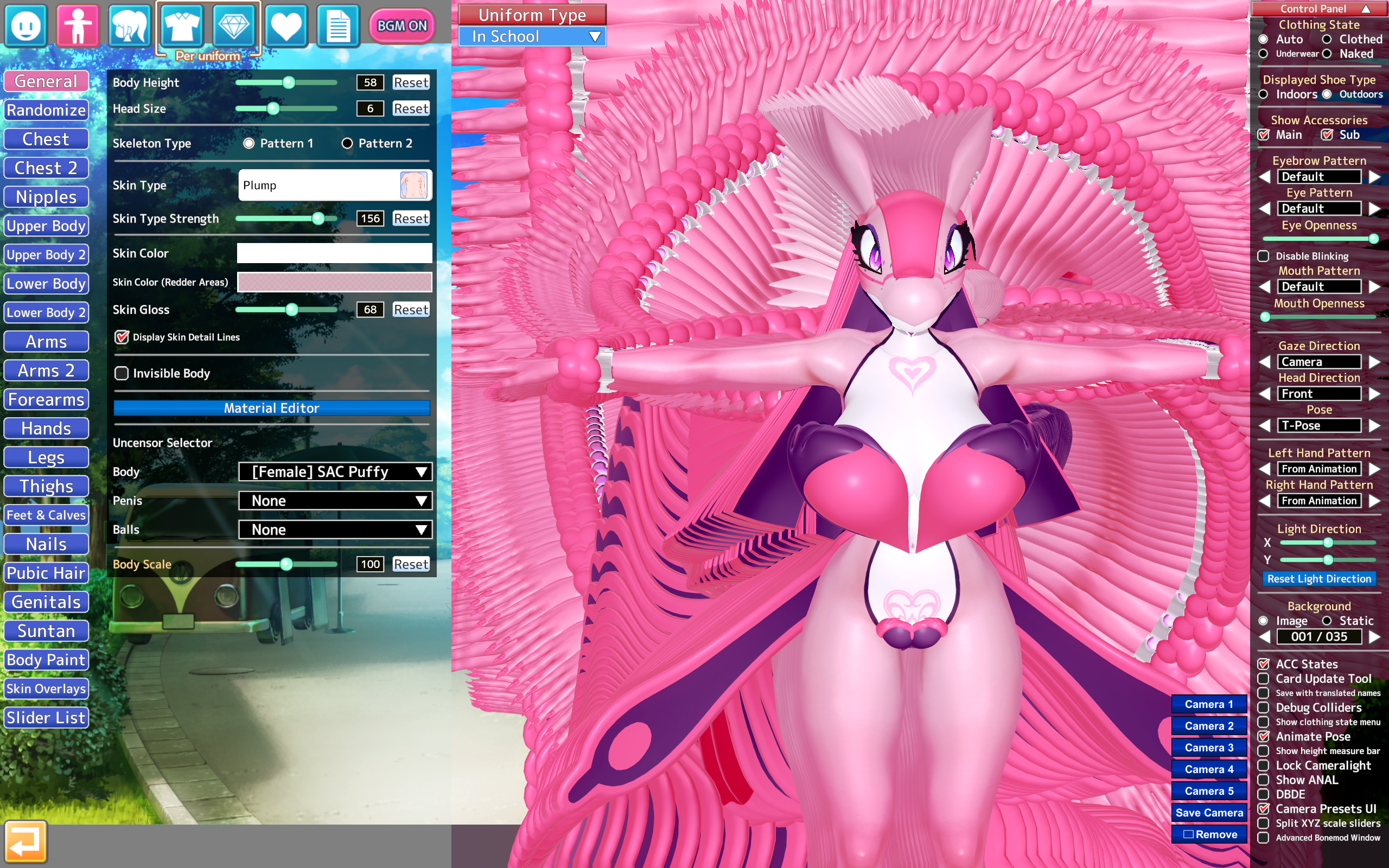

Ask questions not related to card sharing here.Hello guys, quick question, is there any program that you guys use to find and delete duplicate files? Like if they had different names but are the same scene.
 github.com
 Probably related to KKUTS tessellation issues. Try putting this in your bepinex\plugins folder:what is happening? :'v
Thanks for the help. I got the idea to mess around with the interpolables and I noticed two that were for the "hitomi". I messed around with the one for the left eye and was able to make a band-aid fix by changing the Z-Axis by like a very small amount. It's not perfect but looks good enough for me. It's not a huge hassle so I can work with this and I can make any changes as needed.I downloaded the scene and went after 2 mei cards that might have the same headmod, tried swapping in a bunch of other charaters but couldn't replicate your issue
Maybe try reinstalling/updating your install?
What would be the point besides bloating the scene? Are these intentionally leaked?

It's due to the nipples protrusion. Try going into pushup and enabling the flatten option.
Anyone know what causes this problem on CHINA DRESS specifically and how to fix it?
Would you mind sharing the card for me to test it?Which Mei cards did you try? I know there's multiple floating around. The one I used as an example was frecklerae's.
it woked! thank you!!Probably related to KKUTS tessellation issues. Try putting this in your bepinex\plugins folder:
Loading…
gofile.io

After taking a quick lesson on Tessellation I have learned something new and fixed my problem thank you White Runner for your explanations on tess!
View: https://imgur.com/a/jjyuX9O
I'm confused on whats going on with this card. While in KP it looks fine. (Although it does say "Could not load shader: Xukmi MainClothesAlphaPlusTess"). Once I get into chara studio its suddenly looks like this. I made sure Xukmi was updated and it is, and no old version is lingering from what I can tell. How can I fix this ? Its happening with different outfits and seems to primarily affect bras, underwear and tights. Any help would be appreciated.
I think it miss face mod or something like that, check it againanyone know how to fix the hair?
It's due to the nipples protrusion. Try going into pushup and enabling the flatten option.
Would you mind sharing the card for me to test it?