
pineapple_pizza
Senior Member
Okay i will tryI never got this problem but in that case, revert to the previous version, unless the new version brings something genuinely new to the game.

Okay i will tryI never got this problem but in that case, revert to the previous version, unless the new version brings something genuinely new to the game.

like this?Is there a way to flip the scene horizontally?
Or is there a way to flip the character pose horizontally?


I didn’t find any option to flip a character, so I’m not sure if it’s possible.

Can you flip it like this?

Found it on Discord
Added a camera and monitor as items. Setting the monitor's X-axis to negative values might create a mirror effect, but
it seems impossible without applying camera movements or screen effects.


bumpCan anyone help me with some scenes? when I try to load certain scenes they say I'm missing [blue archive] or [kpluganim] mods but I already have said mods unless its another version of them but I can't find them anywhere
the mods I have are [katarsys] KPlug Animations v1.5.3.zipmod and [Eijineer] Blue Archive v1.65.zipmod


Let's try something. Put this folder in my mods.bump
Thanks for your help, the good part is that I got kplug animations to work, but the blue archive is still missing, it doesn't need a plugin like kplug right?Let's try something. Put this folder in my mods.
You have Eijineer 1.54 and almost full kplug i think. If you have the same probleme. delete the folder. If the Kplug and Eijineer mod works, remove 1 kplug and restart the game. This is pretty long but sometime this is how i do for to find the good mod. I did this in the past with Eijineer mods.
I have to go. I'll check later if it's good or not.
Loading…
gofile.io

No, normaly it's just a mod.Thanks for your help, the good part is that I got kplug animations to work, but the blue archive is still missing, it doesn't need a plugin like kplug right?

It looks really nice, very nice. You are genius. Please use this. https://gofile.io/d/oYN3sp
hey all im tryna make Rurikawa Tsubaki from Kyockcho,
just wondering if u guys know any way to do any ways to tweak ear textures, i kinda want to make them more red colored like a blush, but at the same time not affecting other skin areas.


On iris, try to switch between (config decides - No - Yes). Maybe this can resolve the problem.I became annoyed at the lack of good North Carolina (Azur Lane) cards so I've decided to make one myself
I've encountered a problem where the eyes won't "save", the moment I change outfit it goes back to the eyes that were on the card previously
How do I fix this ?
My edit:
What it reverts back to:
Reference:

That didn't fix it, sadlyOn iris, try to switch between (config decides - No - Yes). Maybe this can resolve the problem.

Look in your Koikatsu manager to see if you have a mod called [纸鸢 Shinrou] 人偶身体.zipmod. If so, that might be the problem.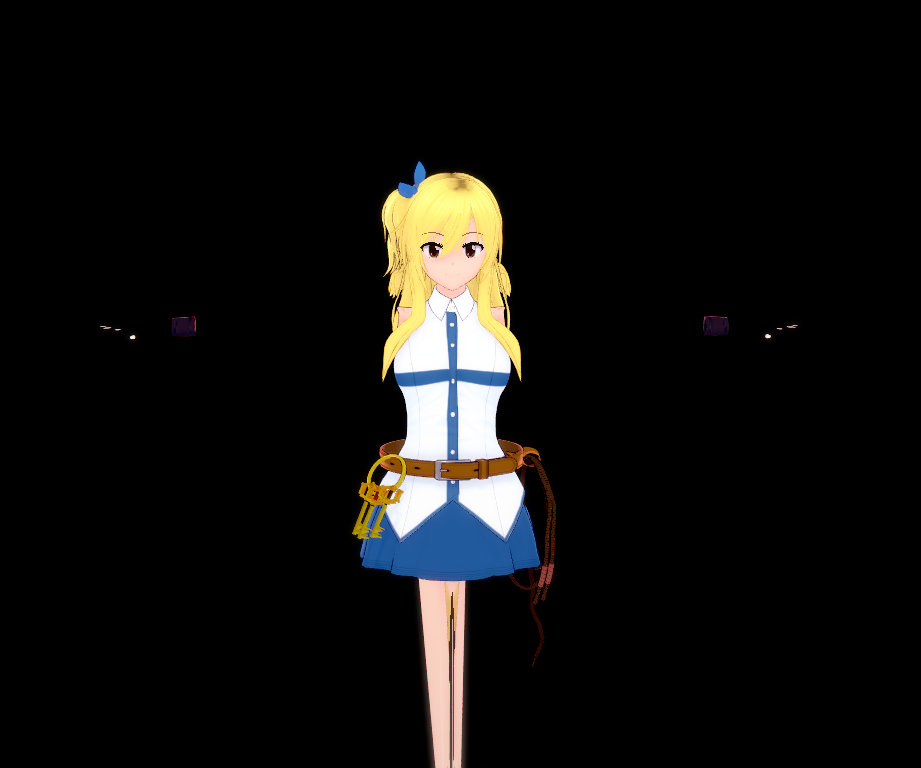
Hi does anyone know what kind of issue is this?
Either Az Standard or KKUTS. Due to the glossiness and lack of outlines, I'm going to guess Az. Word of warning if you intend to use it, though: Az is computationally heavy because of how it calculates lighting, it also takes quite a bit of setup to get it looking as nice as this.Hello,
Not sure if this is the right place to post for this, but does anyone know what shaders/body overlay/body material balancefoxes/extrafoxes uses for their female cards in their videos? (picture below for reference)

I know its probably hard to tell just from looking, but I haven't been able to find any of their cards or scenes so I only have their videos as reference. I will also provide the link to their iwara if the picture I provided isn't clear enough.
Thanks in advance.


check thoseI became annoyed at the lack of good North Carolina (Azur Lane) cards so I've decided to make one myself
I've encountered a problem where the eyes won't "save", the moment I change outfit it goes back to the eyes that were on the card previously
How do I fix this ?
My edit:
What it reverts back to:
Reference:


check those

Hi i found the mod and disabled it, it also fixed my issue. Thanks alot for the help man !!Look in your Koikatsu manager to see if you have a mod called [纸鸢 Shinrou] 人偶身体.zipmod. If so, that might be the problem.
Either Az Standard or KKUTS. Due to the glossiness and lack of outlines, I'm going to guess Az. Word of warning if you intend to use it, though: Az is computationally heavy because of how it calculates lighting, it also takes quite a bit of setup to get it looking as nice as this.
Quick attempt:

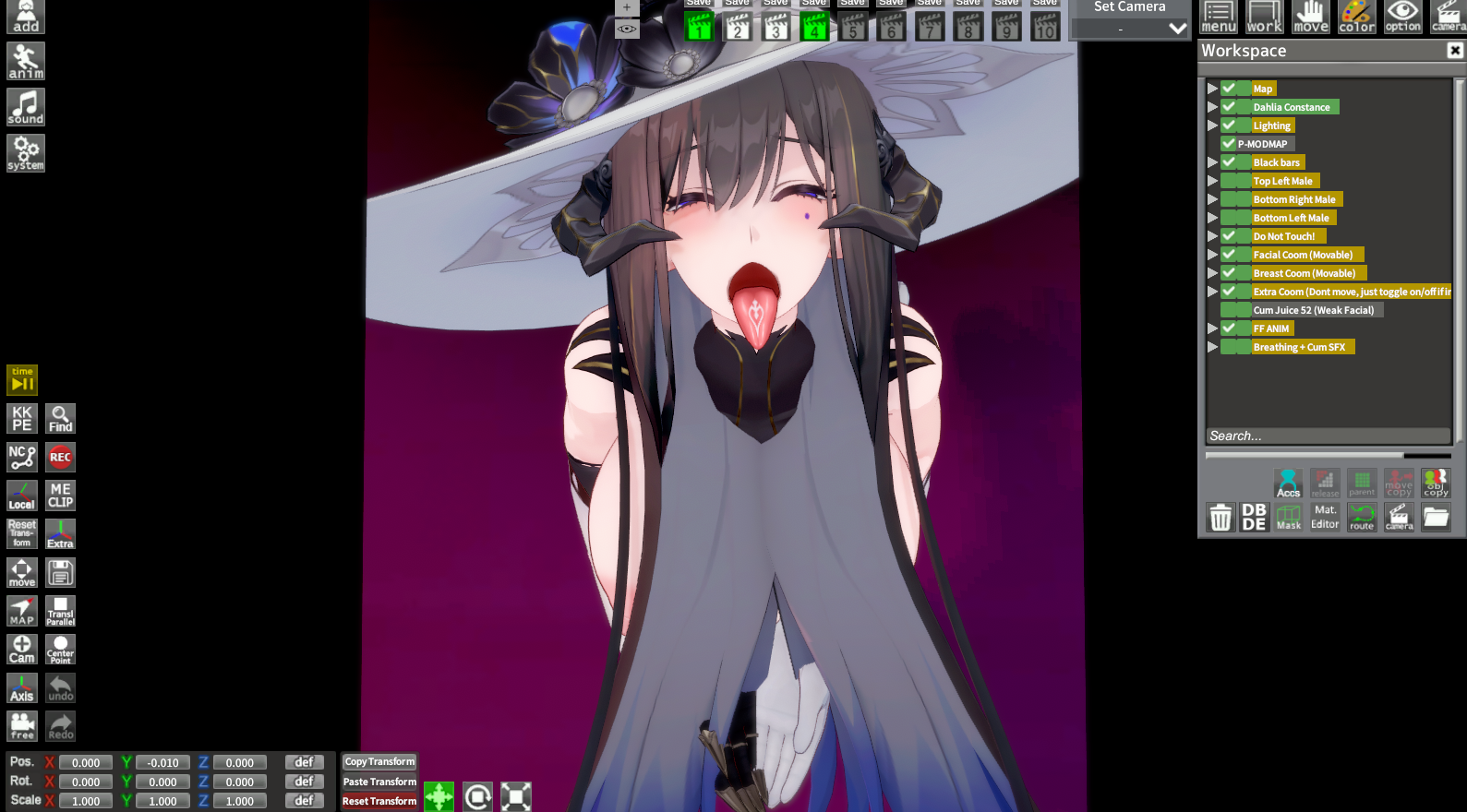
Hello, I tried every version from 1.0.1 to version 1.31 with no progress at all... can you chek if the scenes work for you?No, normaly it's just a mod.
Check here you have all mods below in the page:


I think it's because the dress have a double layer mesh... If you add an alpha shader to the dress, it's very likely that it will be fixed...
How do I fix the black shimmering effect inside the skirt when using the 'shibal' character card?
Hi, i'll checkHello, I tried every version from 1.0.1 to version 1.31 with no progress at all... can you chek if the scenes work for you?
it works. office timeline and mc donald no timeline, but i don't understand i have eijiner 1.54.. :/ i'll give you the eijiner folder i have.Hello, I tried every version from 1.0.1 to version 1.31 with no progress at all... can you chek if the scenes work for you?
thats really a nice way way to stack makeup that i didn't realise. thanks!It looks really nice, very nice. You are genius. Please use this. https://gofile.io/d/oYN3sp
A: As a face overlay
B: Or paint this texture onto the main texture
C: Or duplicate the face material, change KKUTS to KKUTS alpha, and import this texture as the main texture. With this method, you can add alpha value keys in Studio's timeline to gradually make her ear blush.
Note: I just exported the UV map and painted the ear area with a red airbrush.
I replaced my eijiner folder with yours but still get the same warning of missing mod... maybe it's not the eijiner mod but another blue archive mod I'm missing or it's a plugin that's not loading those missing items...it works. office timeline and mc donald no timeline, but i don't understand i have eijiner 1.54.. :/ i'll give you the eijiner folder i have.
put it in your Sideloader Modpack - Studio.
Loading…
gofile.io

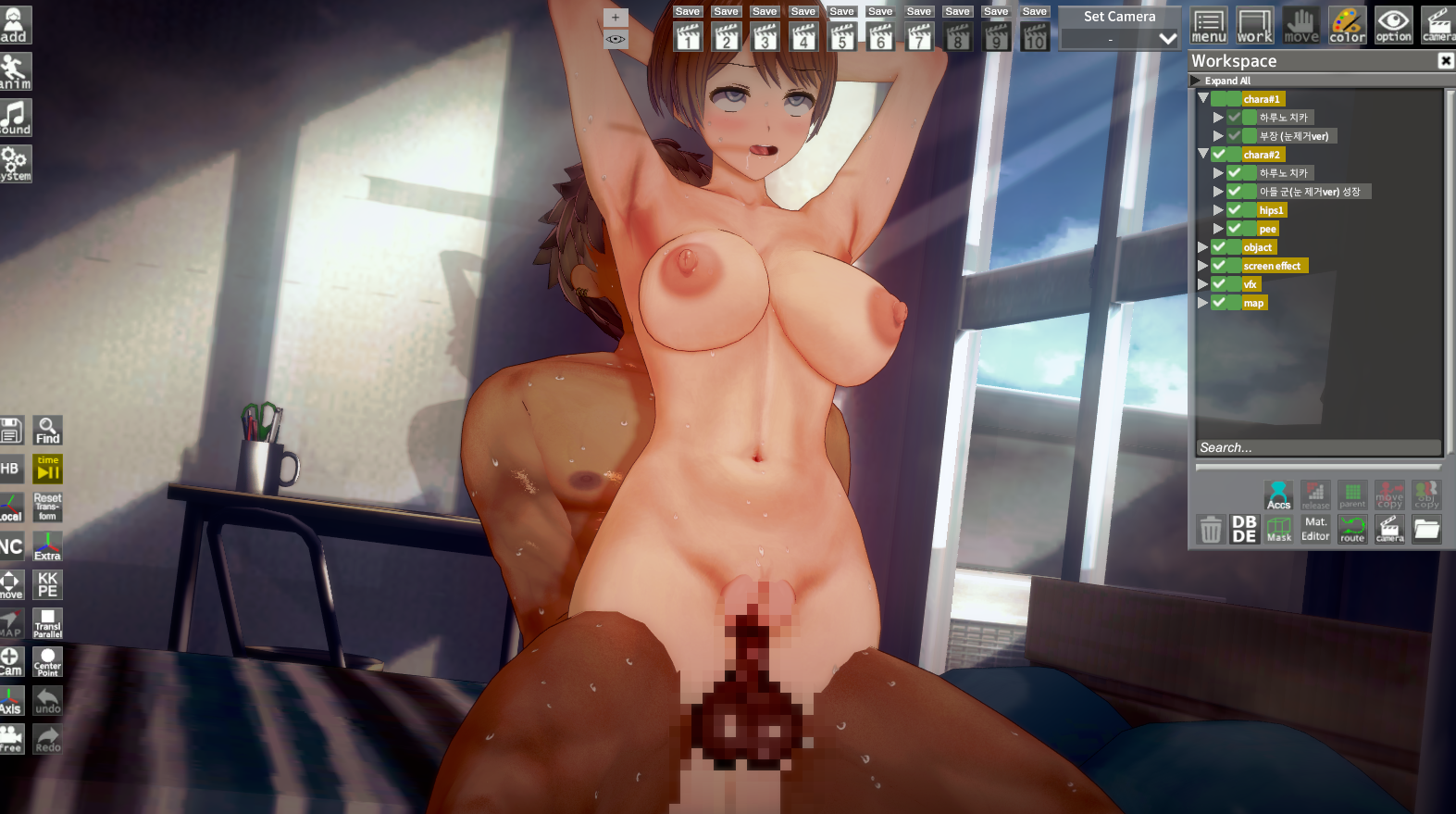
put this in my mods.I replaced my eijiner folder with yours but still get the same warning of missing mod... maybe it's not the eijiner mod but another blue archive mod I'm missing or it's a plugin that's not loading those missing items...

Actually, no.oh, that option also affects the overlays in material editor?? I always thought it was just for the skin/iris overlays

.png)
.png) changing the state of the mouth manually doesn't do anything. so here scene works as intended
changing the state of the mouth manually doesn't do anything. so here scene works as intended This kind of thing usually happens when you use a custom headmodOnce again, I don't understand why mouth animations aren't working in Studio (they work fine in the main game). The mouth remains static. I tested it on the 'hongcha 237' scene with the NEW updated Mitsuru character by Rae (literally released last month), and it’s the same issue. Interestingly, everything works fine with the standard Chisa and other cards.
If I manually adjust the mouth values, they change, but the character's mouth completely ignores the Timeline. Eye/pupil tracking works as intended. Is there a way to fix this at the engine level or via plugins for cards like this? I have doubts that there is any point in writing to the author of the card and that she will correct it. I'm using KK HF Patch v3.34.
Here is the problematic character card, its mods, and an example scene. If the screenshot isn't sufficient and you need to see it in-game. https://workupload.com/file/jwedmEsYCn5
Sorry for bothering, I wonder if maybe it's a plugin that's malfunctioning or missing, the problem I had with Kplug is that I didn't have the animation loader plugin so maybe it's the same case with thisput this in my mods.
If it doesn’t work, show me a picture of your scene. Show me exactly where the missing object is. I’ll compare it with my scene and check the information.Loading…
gofile.io
Edit: If you don't know, the missing object is a white sphere.

Sorry for bothering, I wonder if maybe it's a plugin that's malfunctioning or missing, the problem I had with Kplug is that I didn't have the animation loader plugin so maybe it's the same case with this

Then why do facial changes from direct ports, for example, from the author OoOoO (literally rips from games), work correctly in Studio's Timeline (animations)? Including mouth movements.This kind of thing usually happens when you use a custom headmod
In the case of Rae's headmod, the way it handles expressions is different from the norm, so there's a high chance it won't work with your usual scenes
I'll try with a fresh koi since I updated this with kkmanager last week. thanks for all of your help and advices, I'll tell how it went when I manage to download a new koiNo worries. Curiosity is pushing me to find out why it doesn’t work. It is indeed Eijineer 1.54. I don’t understand why it doesn’t work on your game. A mod conflict.Updating the game might fix it. I don’t see anything else :/
In short, yes, in a wayThen why do facial changes from direct ports, for example, from the author OoOoO (literally rips from games), work correctly in Studio's Timeline (animations)? Including mouth movements.
Does this mean that Rae is cutting corners when creating mods?



